

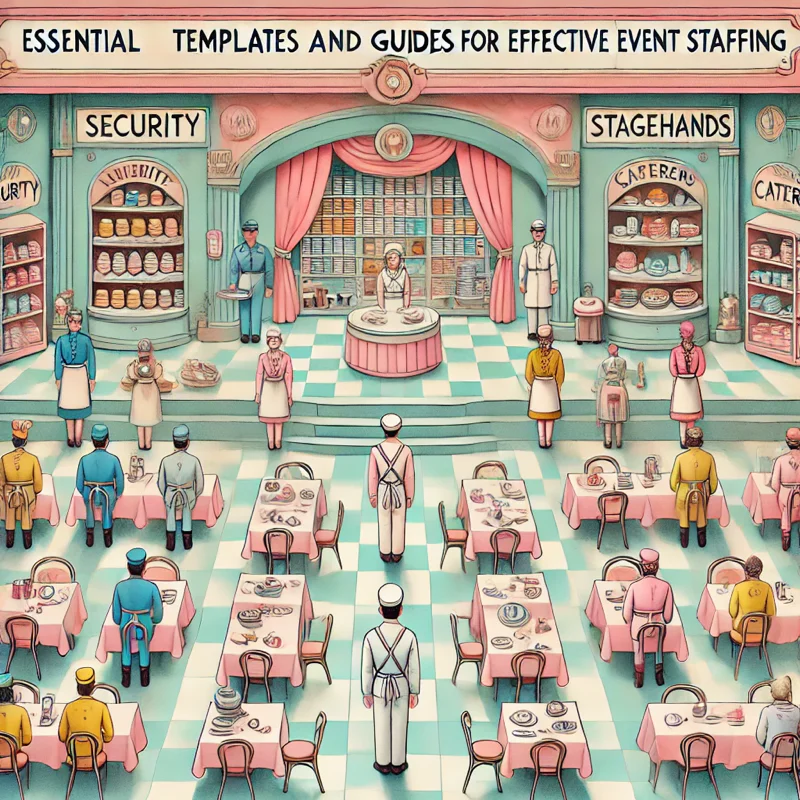
In the fast-paced world of event management, staffing efficiently is critical. This guide gives you essential tools—downloadable templates, checklists, and expert insights—to manage temporary workers and boost your event’s success.
Quick answer
An event staffing workflow should connect demand planning, role definitions, worker availability, qualification checks, shift assignment, time tracking, compliance records, and post-event review. Use a reusable checklist for each event, but adapt staffing levels, credentials, break rules, and escalation paths to the venue, role, and local requirements. The goal is consistent execution without forcing every event into the same schedule.
Event staffing workflow checklist
- Estimate demand by time, venue area, and service level.
- Define each role, required skills, credentials, and reporting line.
- Collect availability and assign qualified workers to shifts.
- Share shift details, check-in instructions, and escalation contacts.
- Track attendance, breaks, hours, incidents, and approvals.
- Review coverage, service issues, and staffing data after the event.
Understanding Event Staffing Dynamics
As events grow in scale and complexity, customized workflows become essential. They transform basic scheduling into a strategic staffing system. Use workflow management templates to align tasks with roles, increasing productivity and operational control.
Template Highlight: Customizable Workflow Management
Tool: Workhint
Use Case: Tailor workflows to match specific job requirements. Unlike generic platforms, Workhint adapts to the unique demands of event staffing.
Focus on Compliance and Efficiency
Event-specific compliance is non-negotiable. Use Tsheets by QuickBooks for time tracking, and enhance compliance with Workhint’s built-in controls—ensuring labor law adherence without slowing down operations.
Tool: Real-Time Compliance Workflow
Platform: Workhint
Key Benefit: Embed legal checks and automated tracking directly into your staffing process.
Leverage Data-Driven Insights
Better staffing decisions require better data. Explore insights from MIT Sloan School of Management, and use platforms like Workhint to integrate those insights into real-time templates for agility during unpredictable events.
Template: Operational Agility for Shift Management
Download: Guide to Efficient Shift Management for Events
Feature: Built-in analytics integration for adaptive decision-making.
From Planning to Execution: Ensuring Shift Efficiency
Ditch one-size-fits-all solutions. With Workhint, customize every part of your staffing workflow—from onboarding to role-specific compliance.
Optimization Template: Role-Based Shift Planning
Use Case: Assign qualified talent to the right positions (e.g., security, hospitality, logistics) and automate compliance documentation.
Platform: Workhint
Incorporate Leading Technologies
Use proven tools to enhance scheduling visibility and resource optimization. Integrate shift management software like Deputy and 7shifts to add real-time tracking and performance data.
Conclusion: Transform Your Staffing Strategy
Custom workflows are more than a timesaver—they’re a game changer. Use the templates and tools above to build a high-performing, compliant, and flexible staffing model for every event.
🚀 Ready to Level Up?
Book a demo with Workhint and unlock the full potential of modern event staffing.
FAQ
What should an event staffing template include?
Include demand estimates, role requirements, availability, shift assignments, qualifications, check-in details, time records, compliance documents, escalation paths, and post-event notes.
How early should event staffing be planned?
Begin as soon as the event scope and operating hours are stable, then confirm availability and credentials before publishing the final schedule.
Can one staffing template work for every event?
Use one repeatable structure, but adjust staffing ratios, roles, credentials, breaks, venue rules, and contingency coverage for each event.
How can Workhint support this workflow?
Workhint can connect intake, roles, assignments, approvals, records, and reporting in one operational system. See how staff scheduling software can support the workflow described above.
Leave a Reply