

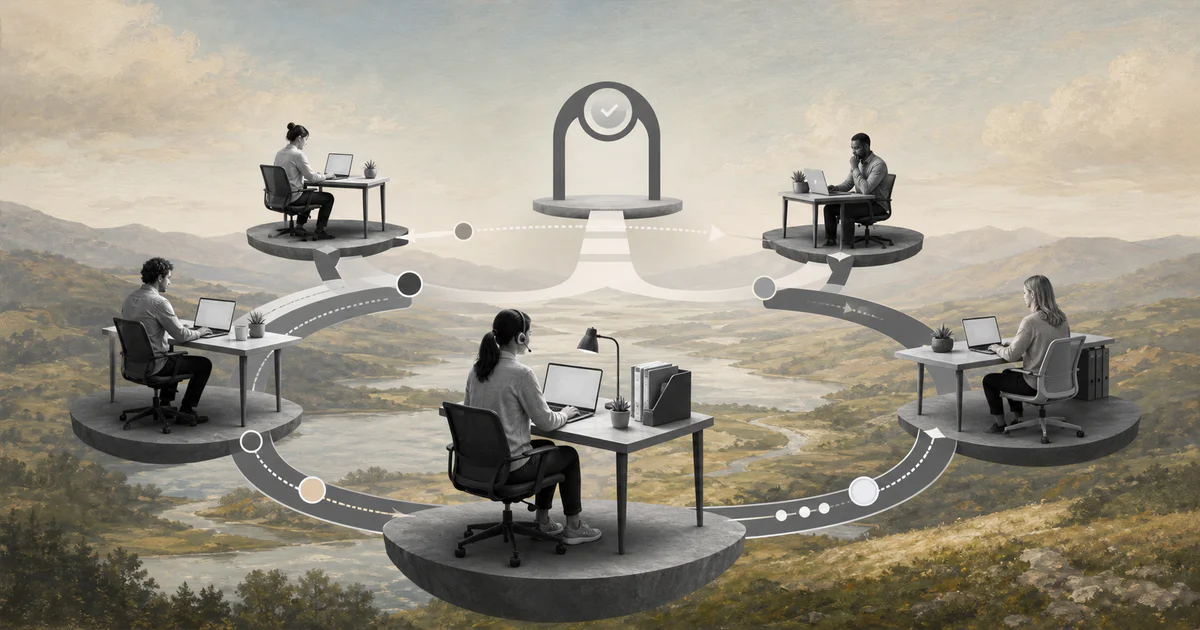
A distributed team workflow turns remote coordination from constant checking into visible, owned, measurable work.
A distributed team workflow is the operating path a team uses to move work across locations, time zones, roles, and tools without depending on everyone being online at the same time. It defines how work enters the system, who owns it, what context travels with it, when decisions happen, how blockers escalate, and how completion is verified.
That matters because remote work does not fail only from weak communication. It fails when the workflow assumes office habits that no longer exist: hallway clarification, instant context, informal follow-up, and managers noticing stuck work by proximity. Microsoft’s Work Trend Index research has repeatedly pointed to the pressure of fragmented digital work. For operations teams, the answer is not more meetings. It is a clearer work system.
What’s in this article?
- Why distributed workflows need more structure than colocated work.
- The core parts of a practical remote operations workflow.
- A workflow model teams can adapt across functions and time zones.
- Common mistakes that make distributed work feel slow.
- Where Workhint fits when the workflow needs to become a live system.
Why distributed team workflow design matters
Distributed teams lose momentum when the next action is implied instead of explicit. A requester sends an incomplete brief. A manager approves in chat but not in the system. A teammate in another time zone starts without the latest file. A blocker waits until the next meeting because nobody knows whether it is urgent enough to escalate.
Research on remote-first and hybrid software teams found that coordination changes when teams move away from colocated work, and that teams adapt by changing processes, communication patterns, and task practices. The lesson applies beyond software: coordination has to be designed into the workflow, not left to personal habits.
A strong distributed workflow gives every person the same answers: what is ready, what is blocked, who owns the next move, what decision is required, and what evidence proves the work is complete.
A distributed team workflow model
Start with one recurring workflow, not the whole company. Good candidates include customer onboarding, vendor approval, finance requests, implementation support, content production, hiring approvals, field operations, or internal service requests.
| Workflow element | What to define | Remote operations rule |
|---|---|---|
| Intake | Where work enters and what fields are required | No work starts from a vague message if the request lacks owner, outcome, deadline, and context. |
| Triage | Who checks completeness, priority, risk, and routing | Use a daily or twice-daily review window when time zones do not overlap. |
| Ownership | One accountable owner and any contributors | Every active item has one owner who can explain status and next action. |
| Async handoff | What context moves when work changes hands | Each handoff includes current state, decision needed, files, blockers, and due date. |
| Escalation | What counts as blocked, urgent, risky, or overdue | Escalation is triggered by observable rules, not by who happens to be online. |
| Completion | Evidence that the receiver can accept the work | Done means accepted, recorded, and ready for the next workflow. |
How to coordinate distributed work step by step
1. Define the workflow boundary
Name the trigger and the final accepted outcome. “Handle customer onboarding” is too broad. “New customer signed to first value milestone accepted by customer success” is usable. A clear boundary prevents remote teams from debating whether something belongs in the workflow while the work is already moving.
2. Standardize intake before assignment
Distributed work needs stronger intake because clarification takes longer. Require the requester, business goal, desired output, deadline, priority reason, affected customer or team, files, systems, and known constraints. Keep the form short enough to use, but strict enough to stop incomplete work from entering active queues.
3. Separate ownership from contribution
Many remote workflows become slow because everyone is “involved” and nobody is accountable. Assign one owner for each active item. Contributors can advise, review, approve, or complete a task, but the owner is responsible for status, blockers, and completion evidence.
4. Build handoffs for time-zone delay
A handoff should let the next person act without a meeting. Use a simple format: current state, what changed, what is needed next, where the evidence lives, what decision is open, and when the next update is expected. Atlassian’s status reporting guidance is useful here because good updates should surface progress, risks, and what stakeholders need to do, not just activity.
5. Make blockers visible before meetings
Distributed teams should not wait for the weekly meeting to discover that work has been stuck for four days. Define blocker categories: missing input, owner unavailable, approval overdue, system access missing, customer response waiting, dependency late, or decision unclear. Then set an escalation path for each category.
6. Protect security and access controls
Remote operations often depend on shared systems, devices, contractor access, customer data, and cloud tools. NIST’s telework guidance emphasizes policy, security controls, and secure remote access. In workflow terms, access should be part of the operating design: who can see what, who approves access, when access expires, and what evidence is retained.
Common mistakes in distributed workflows
- Using meetings as the workflow. Meetings can align people, but they should not be the only place where decisions, owners, and blockers exist.
- Letting every team choose its own status language. If “done,” “ready,” “blocked,” and “waiting” mean different things across teams, remote work becomes hard to trust.
- Skipping acceptance criteria. Work is not complete just because one person finished their part. The receiver needs enough evidence to accept and use it.
- Ignoring time-zone design. If every decision requires live overlap, the workflow will slow as the team becomes more distributed.
- Automating unclear work. Automation helps only after intake, routing, ownership, decision rules, exceptions, and metrics are clear.
Where Workhint fits
Workhint fits when a distributed team workflow needs to become a live operating system instead of a document, chat habit, or project board. A team can use Workhint to define the intake path, assign roles and permissions, route work by rule, connect approvals, capture documents, track blockers, trigger escalations, maintain status visibility, and report on cycle time, aging work, ownership, and completion.
The value is not replacing human judgment. It is making the workflow clear enough that people in different locations can use their judgment at the right step, with the right context, and with a record the business can trust.
FAQ
What is a distributed team workflow?
A distributed team workflow is a structured way to move work across people, roles, systems, and time zones. It defines intake, ownership, handoffs, decisions, blockers, completion evidence, and metrics.
How is distributed workflow different from remote team management?
Remote team management covers leadership, communication, culture, performance, and policies. Distributed workflow design focuses on how specific work moves from request to completion when people are not always working in the same place or time.
What should every distributed workflow include?
Include a clear intake path, required context, one accountable owner, status definitions, handoff rules, blocker categories, escalation triggers, acceptance criteria, and workflow metrics.
How do you reduce meetings in a distributed team?
Move routine updates, status, blockers, handoffs, and decisions into the workflow system. Keep meetings for judgment, tradeoffs, sensitive issues, and alignment that truly benefits from live discussion.
Conclusion
A distributed team workflow works when it makes remote coordination visible. Start with one recurring process, define intake, assign one owner, standardize async handoffs, create blocker rules, protect access, and measure whether work is moving. The result is not a heavier process. It is a work system that lets distributed teams execute without waiting for proximity, memory, or another meeting.
Leave a Reply