

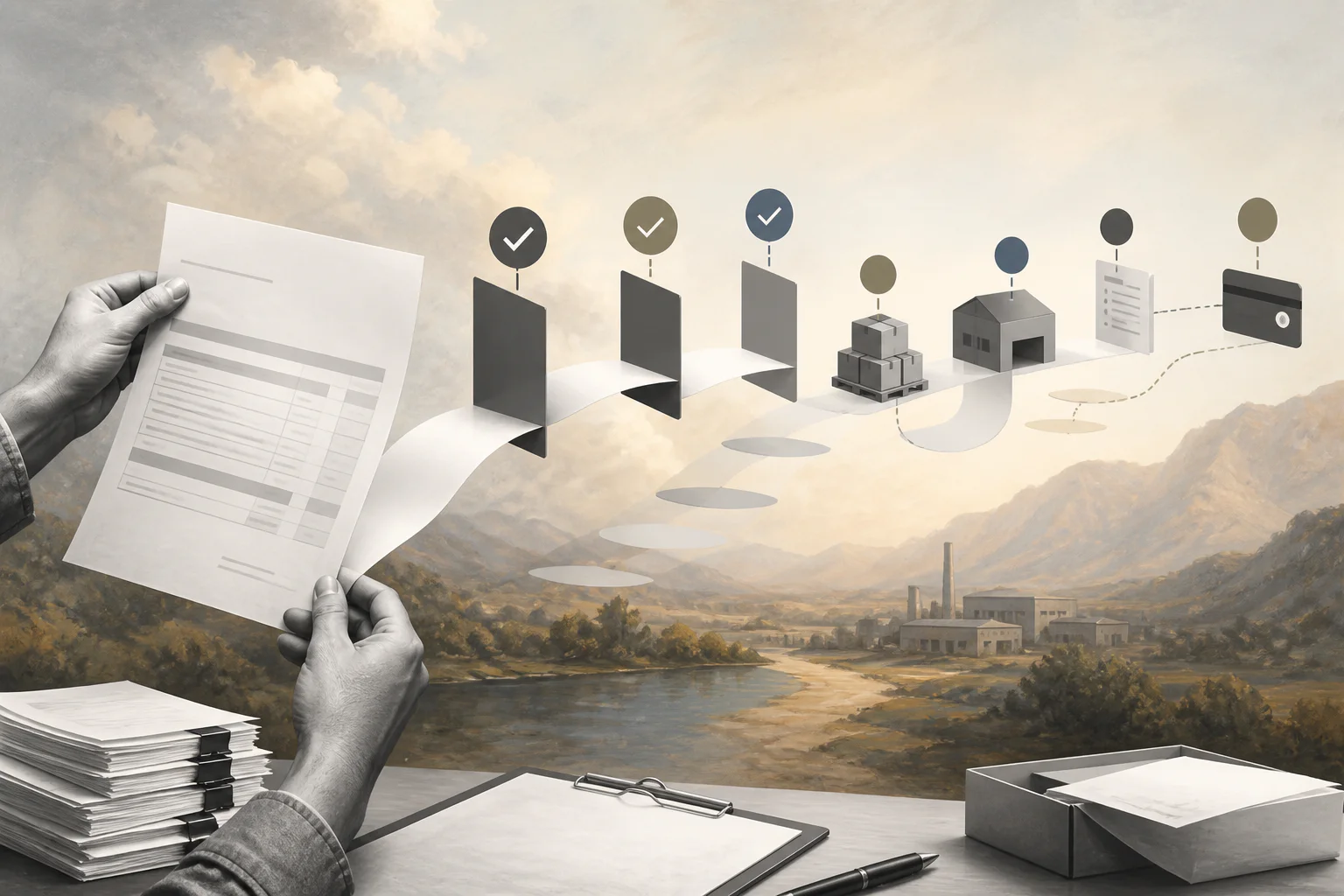
A good purchase order template turns an approved buy into a clean vendor, delivery, invoice, and payment record.
A purchase order template gives small businesses a repeatable way to document what is being bought, who approved it, which vendor will fulfill it, what it should cost, and how the invoice should be matched later. Without that structure, teams often approve spending in chat, receive goods in one system, and pay invoices from another thread with missing context.
Use this resource as an operating template, not legal advice. Purchase order rules, contract terms, tax handling, and procurement requirements can vary by company, jurisdiction, and industry. The Chartered Institute of Procurement and Supply describes a purchase order as a buyer-issued document for products or services from a supplier. In practice, the PO should also create a clean trail from approval to payment.
What’s Included
- A copy-ready purchase order template.
- A checklist for reviewing the PO before it is sent.
- An example purchase order workflow for small teams.
- Common mistakes that create invoice, delivery, and approval problems.
How to Use This Purchase Order Template
Start after the purchase request has been approved. A purchase requisition explains what someone wants to buy and why. A purchase order documents the approved transaction with the vendor. Keep that distinction clear so teams do not issue POs for unapproved spend or treat informal requests as commitments.
Before sending the PO, confirm the vendor record, budget owner, item description, quantity, price, delivery location, payment terms, tax treatment, and approval authority. If the purchase is tied to a contract, SOW, rate card, or vendor agreement, reference it in the PO. If the purchase needs receiving confirmation before payment, name the person responsible for that confirmation.
The U.S. Federal Acquisition Regulation’s purchase order section notes that purchase orders are generally issued on a fixed-price basis in federal simplified acquisition contexts. That formal guidance is more specific than most small businesses need, but the operating lesson still applies: the PO should make the price, scope, supplier, and acceptance path clear before the order moves forward.
Purchase Order Template
| Field | What to capture | Example |
|---|---|---|
| PO number | Unique identifier for tracking | PO-2026-0142 |
| Issue date | Date the PO is created or sent | August 4, 2026 |
| Buyer | Company, department, requester, and billing contact | Operations, Maria Chen |
| Vendor | Legal vendor name, address, contact, tax ID record, and payment setup status | Northline Supplies LLC |
| Approved request | Link or reference to the approved purchase request | REQ-883, approved by Finance |
| Line items | Description, quantity, unit price, tax, discount, and total | 20 tablet stands at $38 each |
| Delivery terms | Ship-to location, due date, shipping method, and receiving owner | Dallas office, due August 16 |
| Payment terms | Invoice address, payment method, due date, and required PO reference | Net 30 after accepted delivery |
| Approval | Budget owner, procurement owner, and any required finance/legal signoff | Ops approved; finance reviewed |
| Matching rule | How invoices will be checked before payment | Match invoice to PO and receipt |
Purchase Order Review Checklist
- Confirm the vendor is approved. Do not send a PO to a vendor missing tax, banking, insurance, security, or contract documentation required by your policy.
- Use a unique PO number. Duplicate or informal identifiers make invoice matching and audit review harder.
- Write clear line items. Avoid vague descriptions such as “services” or “equipment.” The invoice should be easy to compare against the PO.
- Check budget authority. The approver should have the authority to commit the amount, category, and vendor type.
- Define receiving evidence. Name what proves the vendor delivered: packing slip, delivery photo, manager acceptance, timesheet, milestone approval, or service completion note.
- State payment terms. Include invoice instructions, payment timing, and whether payment depends on receipt or acceptance.
- Attach related documents. Link the requisition, quote, contract, SOW, vendor agreement, or approval record.
Example Purchase Order Workflow
Imagine a field operations team needs tablet stands for a regional rollout. The requester submits a purchase request with quantity, business reason, preferred vendor, delivery date, and estimated cost. The operations manager approves the need. Finance confirms the budget. Procurement checks the vendor record and creates the PO.
After the PO is issued, the vendor ships the items and includes the PO number on the invoice. The receiving owner confirms delivery and notes any missing or damaged items. Finance matches the invoice against the PO and receiving evidence before payment. If the invoice amount, quantity, or vendor details do not match, the exception routes back to procurement before money leaves the business.
This simple workflow is why the template matters. The PO is not just a form. It is the connection point between approval, vendor commitment, delivery, invoice control, and payment.
Common Purchase Order Mistakes
- Issuing the PO before approval. That creates spend commitments before budget owners have agreed.
- Using one PO for unclear scope. If line items, timing, or deliverables are uncertain, clarify the request before issuing the PO.
- Skipping receiving ownership. Finance cannot confidently pay if nobody confirms that goods or services were received.
- Letting invoices arrive without PO numbers. No-PO invoices slow down accounts payable and increase manual follow-up.
- Not closing the loop. A PO should end with received, partially received, canceled, disputed, or paid status, not sit open indefinitely.
Where Workhint Fits
Workhint helps when a purchase order template needs to become a live workflow rather than a static document. A team can use Workhint to structure purchase intake, route approvals by amount or category, collect vendor documents, assign receiving tasks, store approval evidence, trigger invoice review, and show status across open purchases.
That matters for businesses coordinating purchases across teams, locations, vendors, contractors, or client projects. The template defines the record. Workhint helps turn the record into the operating system around approvals, handoffs, exceptions, documents, reporting, and payment readiness.
FAQ
What is a purchase order template?
A purchase order template is a reusable form for documenting an approved purchase from a vendor. It usually includes buyer and vendor details, PO number, item descriptions, quantities, prices, delivery terms, payment terms, and approvals.
Is a purchase order the same as an invoice?
No. A purchase order is issued by the buyer before or during the order process to authorize the purchase. An invoice is issued by the vendor to request payment after goods or services are delivered or billed.
What should every PO include?
Every PO should include a unique PO number, buyer details, vendor details, line items, quantities, prices, tax or discount details, delivery terms, payment terms, approver, and any related contract or request reference.
Should small businesses use purchase orders?
Yes, when spending crosses teams, vendors, inventory, client work, or approval thresholds. Very small one-off purchases may not need a formal PO, but recurring vendor spend benefits from the control and recordkeeping.
Conclusion
A purchase order template is valuable because it makes buying traceable. It captures the vendor, items, pricing, approval, delivery rules, and payment terms before the invoice arrives. Use the template above as your baseline, adapt it to your procurement policy, and connect it to a workflow that proves who approved the spend, what arrived, and when payment is ready.
Leave a Reply