

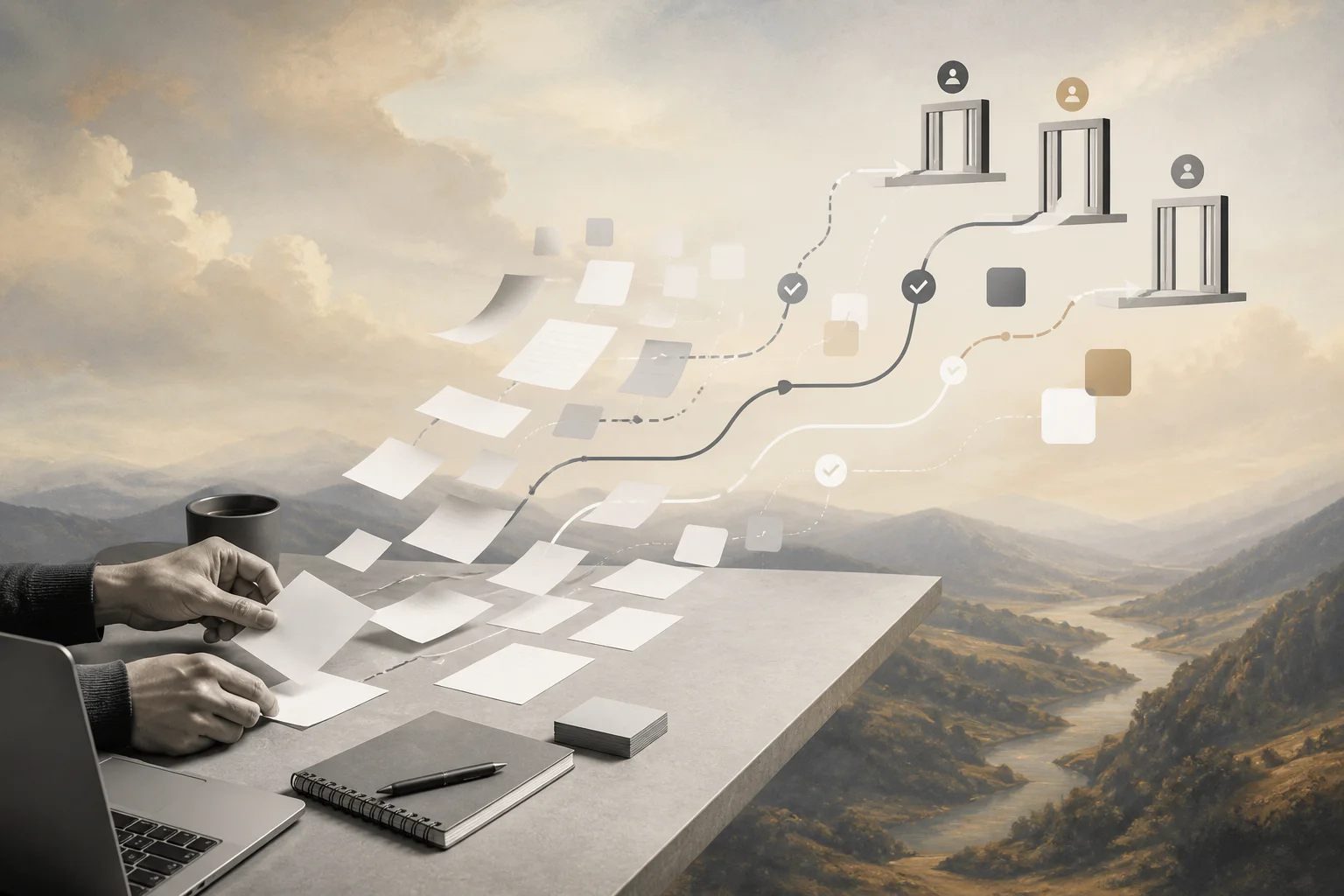
AI meeting notes are only useful when they become owned work, not another summary buried in a shared document.
An AI meeting notes workflow helps teams turn transcripts, decisions, and follow-up items into accountable execution. The point is not just to capture what happened in a meeting. The point is to convert the useful parts of that conversation into tasks, approvals, reminders, customer updates, project changes, and records that people can trust.
Most teams already have access to AI notes through meeting platforms or productivity tools. Google Workspace describes Gemini note taking as a way to identify action items, key decisions, suggested next steps, and export takeaways to a Google Doc. Zoom’s Meeting Summary with AI uses speech-to-text data to generate meeting summaries that can be shared after a meeting. Those features are useful, but they do not automatically create an operating system around the work.
What’s in this article?
- What an AI meeting notes workflow should include
- How to design the workflow from transcript to follow-through
- What information AI should extract from meeting notes
- Where human review, approvals, and audit trails matter
- How Workhint fits when meeting output needs to become operational work
Why AI meeting notes workflows matter
Meetings often create invisible work. A customer call creates a pricing follow-up. A project meeting changes scope. A hiring panel makes a decision that needs documentation. A finance review creates a budget approval. A vendor conversation raises a compliance exception. If those outputs stay in a transcript, the business still depends on memory, manual copying, and scattered follow-up.
AI can reduce the administrative load, but the workflow needs controls. A model may summarize the meeting well while missing who owns the next step, whether a commitment was firm or tentative, whether approval is required, or whether a customer-facing promise should be reviewed. For business teams, the winning design is AI-assisted execution with clear human accountability.
The core AI meeting notes workflow
A practical workflow has six stages. Keep the first version narrow, then expand after the team trusts the outputs.
- Capture the source. Record or import the transcript, meeting summary, chat log, attendees, calendar title, date, account, project, or internal process.
- Extract structured fields. Ask AI to identify decisions, action items, owners, due dates, risks, dependencies, open questions, customer commitments, and approval needs.
- Score confidence and risk. Separate routine items from unclear, sensitive, high-value, or customer-facing items that require review.
- Route work. Create tasks, approval requests, project updates, CRM notes, support follow-ups, or finance actions in the right system.
- Confirm ownership. Notify owners and ask for confirmation where the transcript does not clearly assign responsibility.
- Track completion. Store the final outcome, reviewer decisions, missed deadlines, reopened issues, and any correction to the AI extraction.
The technical pattern is simple: a model reads the transcript and returns structured output; workflow automation moves that output into systems of record. OpenAI’s function calling documentation describes how models can connect to external systems through defined tools and schemas. In a meeting-notes workflow, that means the model should not return a loose paragraph when the business needs fields like owner, action type, due date, source quote, confidence, and approval requirement.
What AI should extract from meeting notes
Do not ask AI for a generic summary only. Summaries are useful for context, but execution depends on structured extraction. Start with this field model.
| Field | Why it matters | Example |
|---|---|---|
| Decision | Captures what changed or what was approved | Move launch date to September 15 |
| Action item | Turns discussion into assigned work | Send revised implementation plan |
| Owner | Prevents vague follow-up | Customer success manager |
| Due date | Creates operational urgency | Friday by 3 p.m. |
| Risk or dependency | Flags work that could block delivery | Legal approval needed before customer signature |
| Evidence | Links the output back to the transcript | Timestamp or source excerpt |
| Review requirement | Keeps sensitive actions under human control | Manager approval before sending pricing terms |
Where human review belongs
Not every extracted action item needs review. A low-risk reminder can move automatically. A customer commitment, payment decision, access change, hiring decision, legal exception, or budget approval should not. The NIST AI Risk Management Framework is a useful reference because it treats AI risk as something organizations must govern, map, measure, and manage rather than as a one-time technical setting.
Use three lanes. Low-risk items can create tasks automatically. Medium-risk items can create drafts or recommendations for owner confirmation. High-risk items should pause for explicit human approval before any external action, record update, permission change, financial step, or customer-facing message.
A practical example
Imagine a customer onboarding meeting. The transcript includes product requirements, launch dates, integration dependencies, executive concerns, and several informal promises. The AI identifies six action items, but only four are safe to assign automatically. Two need review: one changes the launch scope, and one mentions a discount that was discussed but not approved.
A well-designed workflow creates onboarding tasks for the implementation team, routes the scope change to the project owner, sends the discount item to finance for approval, updates the customer record with a meeting summary, and schedules a follow-up only after the owner confirms the next step. The team gets speed without turning every spoken possibility into an official commitment.
Common mistakes with AI meeting notes automation
- Saving summaries without workflow. A good summary is still passive unless it creates owned next steps.
- Trusting action items without evidence. Require timestamps, source quotes, or transcript references for important decisions.
- Letting AI assign authority. AI can recommend an owner, but the business should define decision rights.
- Ignoring sensitive meetings. HR, legal, finance, customer, and executive meetings need tighter controls.
- Measuring notes instead of outcomes. Track completion rate, overdue follow-ups, correction rate, review volume, and cycle time.
Where Workhint fits
Workhint fits when meeting output needs to become a real workflow instead of another note in a document folder. A team can use Workhint to structure the post-meeting process around roles, permissions, assignments, approvals, documents, schedules, payments, reporting, and automation. AI can extract the decisions and suggested actions; Workhint can route them into the right operational path, keep human review where it belongs, and track whether the work actually gets done.
That distinction matters. The AI note taker helps understand the conversation. The work system makes the conversation executable.
FAQ
What is an AI meeting notes workflow?
An AI meeting notes workflow is a process that uses AI to summarize meetings, extract decisions and action items, route follow-up work, and track completion after the meeting.
Can AI meeting notes create tasks automatically?
Yes, but teams should limit automatic task creation to low-risk items. Sensitive decisions, customer commitments, legal issues, budget changes, and access changes should require human review before action.
What tools do you need for AI meeting notes automation?
You need a source for transcripts or meeting summaries, an AI extraction step, a workflow or automation layer, and destination systems such as task management, CRM, project operations, HR, finance, or customer success tools.
How do you make AI meeting notes more reliable?
Use structured fields, source evidence, confidence scores, human review gates, clear ownership rules, and outcome tracking. Review mistakes regularly and improve the prompt, schema, and workflow rules.
Conclusion
AI meeting notes are a starting point, not the final workflow. The business value comes when notes become clear ownership, approved decisions, visible follow-up, and measurable execution.
Start with one meeting type where follow-through often breaks down. Define the fields AI should extract, decide which items need human review, route the outputs into the right operational system, and measure what actually gets completed. That is how meeting automation moves from convenient summaries to dependable business process automation.
Leave a Reply