

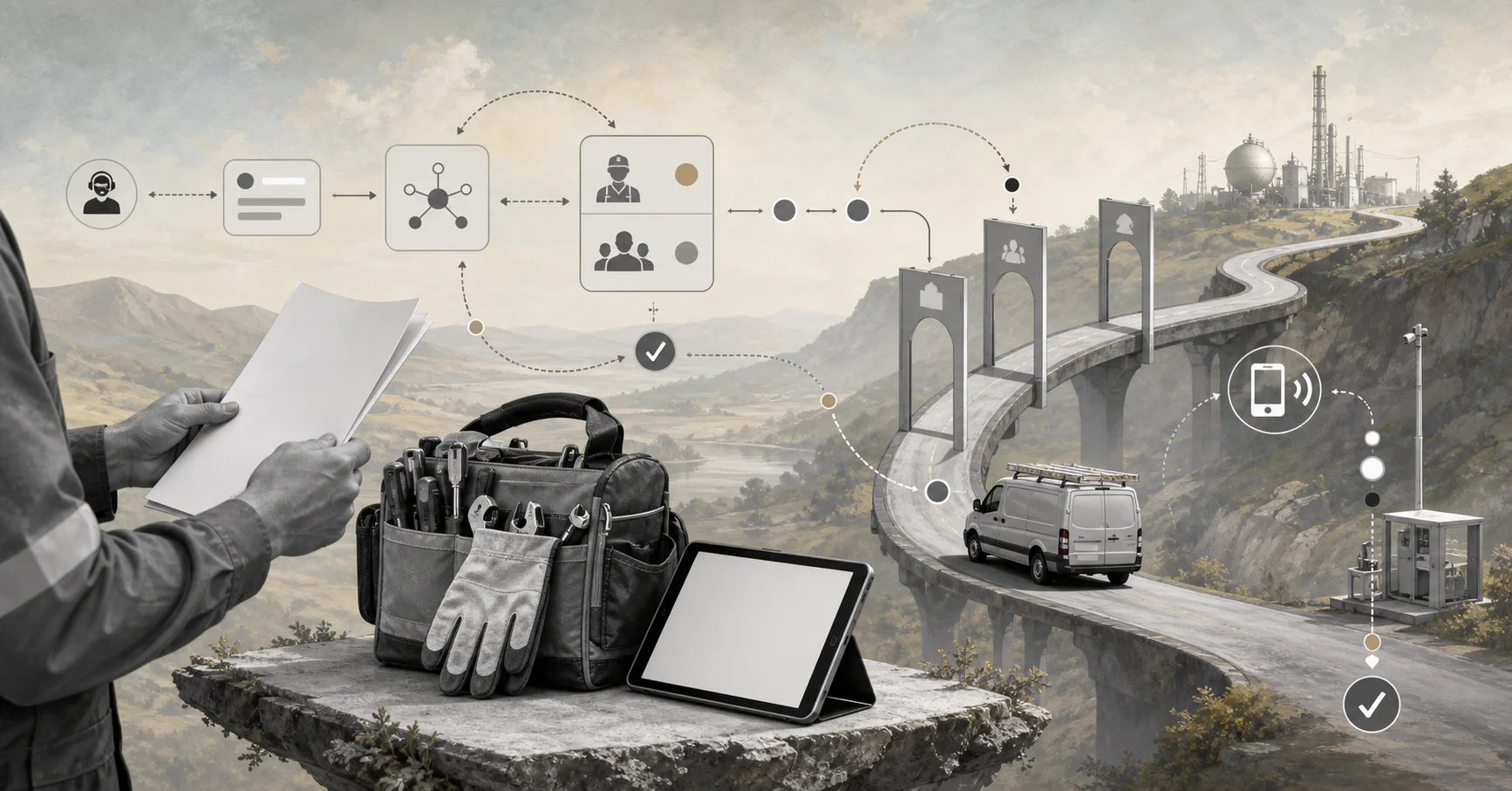
AI helps field service teams move faster only when dispatch, exceptions, approvals, and records are designed as one workflow.
AI field service automation uses AI, rules, and workflow automation to move field work from request intake to dispatch, technician execution, customer updates, and closeout with fewer manual handoffs. The goal is to help operations teams make faster, consistent decisions when work orders, skills, locations, parts, customers, and service commitments all change at once.
This matters because field service work has a high coordination load. A job can involve a customer request, asset history, technician availability, travel time, parts, safety forms, approvals, billing, and reporting. Salesforce describes field service AI as a way to streamline scheduling, dispatching, and route optimization. The real value comes when those decisions connect to a controlled workflow.
What’s in this article?
- What AI field service automation should and should not automate.
- A practical workflow map for request intake, dispatch, field execution, and closeout.
- A decision table for choosing the first automation use case.
- Common mistakes that make field automation brittle.
Why field service automation needs workflow design
Field service teams often start with one visible pain: dispatch is slow, paperwork is heavy, customers ask for status updates, or invoices wait for missing closeout notes. AI can help, but isolated AI features create new work if the workflow is not designed first.
For example, an AI scheduler may recommend a technician, but the workflow still needs to check certification, parts, customer windows, and approval rules. If those controls live in email, spreadsheets, or tribal knowledge, the AI can only guess. A stronger design separates what AI recommends from what the workflow enforces.
AI field service automation workflow map
A dependable AI field service automation workflow has eight connected stages.
- Intake: Capture the customer request, asset, location, urgency, warranty status, photos, and service history.
- Classification: Use AI to identify job type, likely issue, skill requirement, priority, and missing information.
- Work order creation: Convert the request into structured fields, required forms, parts assumptions, and service-level rules.
- Assignment recommendation: Compare technician skills, availability, territory, travel time, overtime limits, and job priority.
- Approval or exception routing: Route high-cost, emergency, warranty, safety, or customer-risk exceptions to a dispatcher or manager.
- Technician execution: Push the work order, job history, checklist, parts, customer notes, and mobile forms to the field.
- Closeout: Summarize technician notes, validate required evidence, flag follow-up work, and prepare billing or warranty records.
- Reporting: Track cycle time, first-time fix, travel time, rework, missing parts, approval delays, and customer communication gaps.
This structure fits current enterprise AI patterns. ServiceNow’s field service AI agent documentation describes creating work orders, validating parts usage, and managing field service scheduling. Those examples are strongest when connected to permissions, workflow state, and review rules.
What AI should automate first
The best first use case is usually a high-volume decision with clear inputs, measurable outcomes, and a manageable failure cost. Start where the team already knows the rules but loses time applying them manually.
| Use case | Good first automation? | Why it works | Human review trigger |
|---|---|---|---|
| Work order classification | High | AI can read requests, notes, and photos, then suggest job type and missing fields. | Low confidence, safety risk, unclear asset, or customer escalation. |
| Dispatch recommendation | High | Rules can enforce skill, territory, SLA, and availability while AI weighs tradeoffs. | Emergency work, overtime, VIP customer, or unavailable required part. |
| Technician note summary | Medium | AI can turn field notes into closeout summaries and follow-up tasks. | Warranty claim, invoice impact, incomplete evidence, or customer dispute. |
| Autonomous rescheduling | Medium | Useful after the schedule data is clean and customer communication rules are set. | SLA breach, repeated customer reschedule, or route conflict. |
| Automatic approval of costly repairs | Low | The financial and customer risk is usually too high for early automation. | Always require manager, finance, or customer approval above policy thresholds. |
How to design the controls
Use AI for interpretation, recommendation, and summarization. Use deterministic workflow rules for policy enforcement. The model may suggest priority, skill, and missing information, but the system should enforce required fields, role permissions, approval thresholds, customer communication rules, and audit logging.
For higher-risk operations, connect the design to an AI risk management approach. The NIST AI Risk Management Framework frames trustworthy AI as a design, governance, and evaluation discipline. In field service, that means documenting who owns each decision, what evidence is required, when AI may recommend versus act, and how exceptions are reviewed.
Implementation checklist
- Map the current request-to-closeout workflow before choosing AI tools.
- Define structured fields for job type, asset, location, priority, skills, parts, SLA, and customer constraints.
- Write assignment rules that AI cannot override, including certifications, safety requirements, and approval limits.
- Create confidence thresholds for classification, dispatch, rescheduling, and closeout summaries.
- Require human approval for emergency work, high-cost repairs, warranty exceptions, customer escalations, and compliance-sensitive records.
- Track operational metrics before launch: cycle time, jobs per technician, first-time fix rate, missed appointments, rework, and time to invoice.
- Review exceptions weekly and update rules, prompts, forms, and knowledge sources based on real field data.
Common mistakes
The first mistake is automating dispatch without clean technician, skill, location, and parts data. The second is letting AI make decisions the business has not translated into rules. The third is treating mobile field updates as an afterthought. If technicians cannot capture photos, notes, parts, signatures, and follow-up needs easily, automation loses the evidence needed for billing and service improvement.
A fourth mistake is using AI as a black box. Operations leaders need to know why a job was prioritized, why a technician was recommended, what customer promise was made, and what evidence supported closeout. Field service automation guides commonly emphasize scheduling, dispatch, work order management, parts, forms, and customer communication. The missing layer is often governance: who can change the workflow, approve exceptions, and see the record.
Where Workhint fits
Workhint fits as the operational layer around AI field service automation. A team can use AI to classify a request, summarize job history, recommend the next action, or draft a closeout note. Workhint can turn that into a configurable work system: intake forms, roles, permissions, work orders, assignments, approvals, technician tasks, documents, schedules, customer updates, invoice handoffs, reporting, and audit trails.
That distinction matters. The AI model helps interpret and recommend. The workflow system keeps the operation accountable. For a field service business, that means AI does not live as a disconnected assistant beside the real process. It becomes part of a governed workflow that people can supervise, improve, and trust.
FAQ
What is AI field service automation?
AI field service automation uses AI and workflow rules to classify requests, create work orders, recommend dispatch decisions, support technicians, summarize field notes, route exceptions, and update operational records.
Does AI replace field service dispatchers?
No. In most business settings, AI should support dispatchers by preparing recommendations, catching missing information, and routing routine work faster. Dispatchers should still review exceptions, conflicts, and customer-sensitive decisions.
What field service task should a team automate first?
Start with work order classification or dispatch recommendations. Both have clear inputs, measurable outcomes, and natural human review points when the AI is uncertain or the job carries operational risk.
How do you measure AI field service automation ROI?
Measure cycle time, jobs completed per technician, dispatch latency, first-time fix rate, travel time, rework, missed appointments, approval delays, customer update speed, and time from closeout to invoice.
Conclusion
AI field service automation works when it is treated as an operating system, not a feature. The practical path is to map the service workflow, structure the data, define what AI can recommend, enforce rules through the workflow, and keep humans in control of exceptions.
Start with one high-volume workflow, instrument it carefully, and improve it from real field outcomes. That is how field service AI moves from a scheduling demo to a reliable operation.
Leave a Reply