

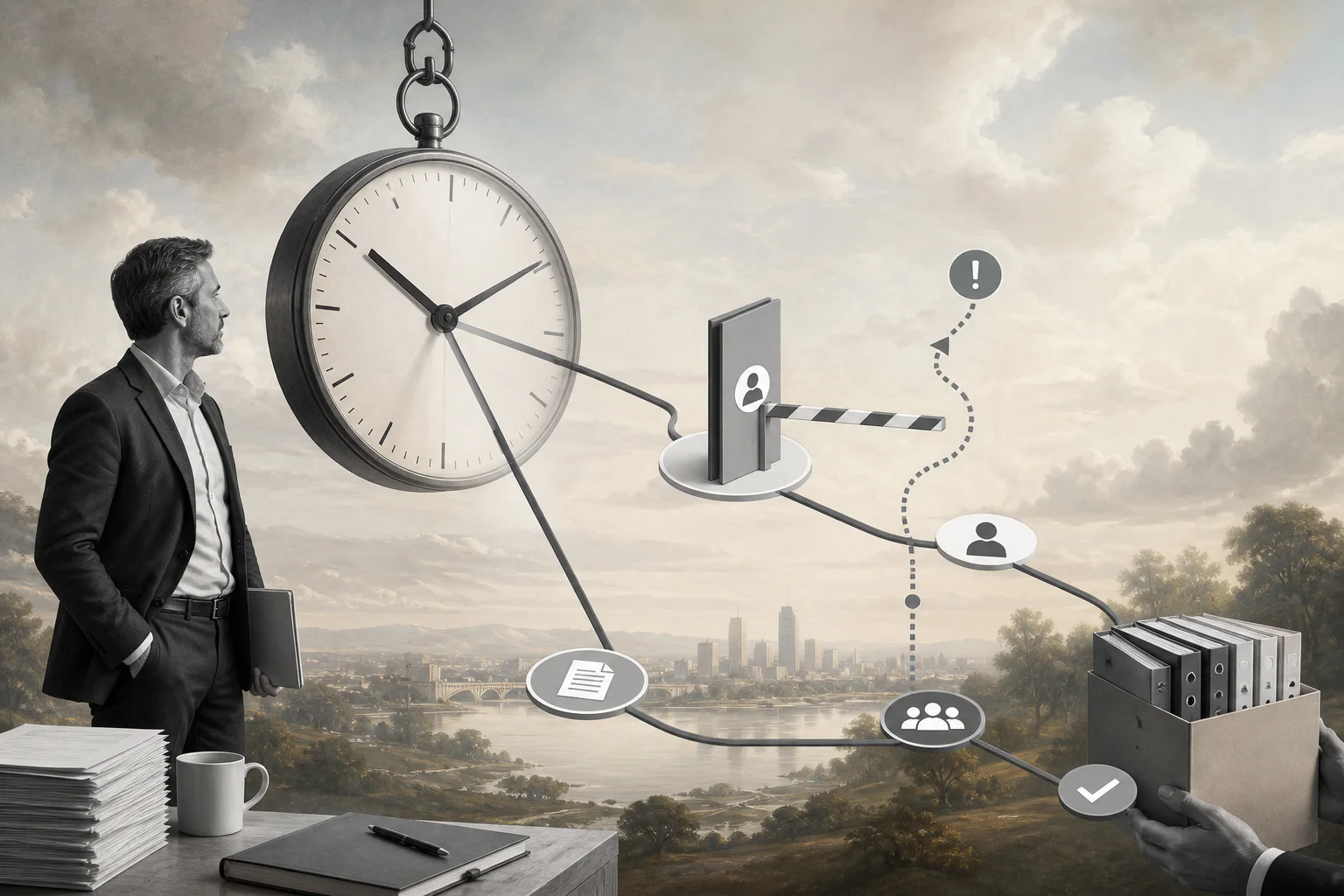
An AI workflow SLA turns automation from a fast experiment into a measurable operating commitment.
An AI workflow SLA defines how quickly an automated process should move, when it should pause for review, who owns exceptions, and what evidence must be logged before work is considered complete. It is not just a vendor uptime promise. For business automation, the more useful SLA is operational: intake response time, AI processing time, human review time, escalation time, resolution time, and audit readiness.
This matters because AI workflows fail differently from ordinary software. A traditional workflow might wait for a missing field. An AI workflow might classify a request incorrectly, summarize a contract with missing context, route an invoice to the wrong approver, or propose an action that should never run without human approval. Speed helps only when the workflow still protects judgment, accountability, and recovery.
What’s in this article?
- What an AI workflow SLA should measure
- Where SLA timers belong in automated workflows
- How to decide which AI steps need human review
- A practical SLA table for operations, finance, HR, support, and procurement
- Common mistakes that make AI automation look fast but unreliable
Why AI workflow SLAs matter
Businesses already use SLAs for support queues, IT requests, vendor response times, and approval workflows. AI automation adds a new layer: the system can interpret unstructured information and recommend or trigger actions. That makes the workflow more useful, but it also creates new failure modes.
The NIST AI Risk Management Framework encourages organizations to manage AI risk through governance, mapping, measurement, and management. That same logic applies to workflow SLAs. Before a team promises faster work, it should map the process, define the risk of each step, measure whether the workflow is performing, and manage exceptions when the system is uncertain or wrong.
Security also belongs in the SLA conversation. The OWASP Top 10 for Large Language Model Applications highlights risks such as prompt injection, insecure output handling, sensitive information disclosure, and excessive agency. If an AI workflow can read documents, call tools, update systems, or send messages, the SLA should define not only how fast it acts, but when it is allowed to act.
What an AI workflow SLA should measure
A useful AI workflow SLA separates the workflow into stages. One timer for the whole process is too blunt. It hides whether the delay came from intake, the model, a missing approval, a failed integration, or an exception nobody owned.
| Workflow stage | What to measure | Example SLA rule |
|---|---|---|
| Intake | Time from request received to structured case created | New vendor request is classified and assigned within 10 minutes |
| AI processing | Time for extraction, classification, summary, or recommendation | Contract summary and risk flags generated within 15 minutes |
| Human review | Time for an owner to approve, edit, reject, or request more context | High-risk requests reviewed by legal within one business day |
| Exception handling | Time to resolve missing data, low confidence, policy conflict, or tool failure | Exceptions escalate after four business hours without owner response |
| Completion | Time to execute the approved action and update the record | Approved onboarding packet is sent and logged within 30 minutes |
AI workflow SLA design checklist
Start with the business promise, not the model. The question is not “How fast can AI respond?” The question is “What does the business need to happen, who is accountable, and what level of review is appropriate?”
- Define the work unit. Decide whether the SLA applies to a ticket, invoice, contract, candidate, vendor, customer request, shipment, project task, or employee case.
- Classify risk levels. Low-risk work can often be auto-completed. Medium-risk work may need sampling or exception-only review. High-risk work needs explicit approval before action.
- Separate recommendation from execution. AI can draft, classify, summarize, or recommend quickly. Sending, paying, approving, deleting, provisioning, or signing should have stricter gates.
- Assign owner roles. Name the role responsible for each step: requester, operations owner, finance approver, legal reviewer, HR reviewer, system admin, or executive escalation owner.
- Set escalation rules. Define what happens when an SLA is close to breach, already breached, blocked by missing data, or stuck because the AI confidence score is low.
- Log the decision trail. Store inputs, AI output, reviewer changes, approval decisions, timestamps, execution status, and exception notes.
Modern automation tools increasingly support these patterns. Microsoft documents approval workflows that can wait for human decisions across business systems, and n8n documents human approval before specific AI tool calls. Those patterns are useful because they treat review as part of the workflow rather than an afterthought.
Practical examples by team
For finance, an AI workflow SLA might say that invoice data is extracted within 10 minutes, matched against purchase order data within 20 minutes, and routed to a human when the amount, vendor, tax treatment, or approval chain does not match policy.
For HR, a candidate screening workflow might summarize applications quickly, but require human review before rejecting a candidate or moving someone into a compliance-sensitive stage.
For procurement, a vendor intake workflow might classify the request, collect required documents, route high-risk vendors to legal, and notify the requester when the case is blocked.
Common AI workflow SLA mistakes
- Measuring only total cycle time. End-to-end time matters, but stage-level timers show where the process is actually stuck.
- Treating every AI output as complete work. A draft, summary, or recommendation is not complete until the required review and execution steps are done.
- Using the same SLA for every risk level. A low-risk internal summary and a payment approval should not have the same automation rule.
- Escalating without context. Escalation messages should include the request, owner, reason, deadline, AI confidence, and recommended next action.
- Ignoring audit requirements. If the workflow cannot explain who approved what and when, the SLA is operationally weak even when the process is fast.
Where Workhint fits
Workhint helps teams turn an AI workflow SLA into a live operating system. Instead of keeping the SLA in a spreadsheet or policy document, a team can structure intake, roles, permissions, assignments, approvals, documents, schedules, payments, reporting, and automation around the work itself.
That distinction matters. The AI model can summarize a request or recommend a next step. Workhint is where the workflow routes the request, assigns the right owner, pauses for approval, tracks SLA timers, records decisions, updates status, and keeps the process visible across teams. The practical value is controlled automation where the business can see what is moving, what is blocked, and who owns the next action.
FAQ
What is an AI workflow SLA?
An AI workflow SLA is a service commitment for an AI-assisted business process. It defines expected timing, ownership, review gates, escalation rules, completion criteria, and audit requirements for work that includes AI steps.
Is an AI workflow SLA the same as a vendor SLA?
No. A vendor SLA usually covers platform availability, support response, or uptime. An AI workflow SLA covers the operating process inside the business, including intake, AI processing, human review, escalation, and completion.
Which AI workflows need human approval?
Use human approval when the workflow can affect money, contracts, access, hiring, compliance, customer commitments, sensitive data, or external communication. Lower-risk steps can often use sampling, confidence thresholds, or exception-only review.
How should teams measure AI workflow performance?
Track stage-level cycle time, exception rate, approval time, rework rate, breach rate, automation completion rate, human override rate, and audit completeness. The goal is not just speed; it is reliable throughput.
Conclusion
An AI workflow SLA gives business automation a measurable operating backbone. It tells the team what should happen, how fast it should happen, who owns each decision, when AI is allowed to act, and when a person must step in. The best SLAs do not slow automation down. They make automation trustworthy enough to scale.
Leave a Reply