

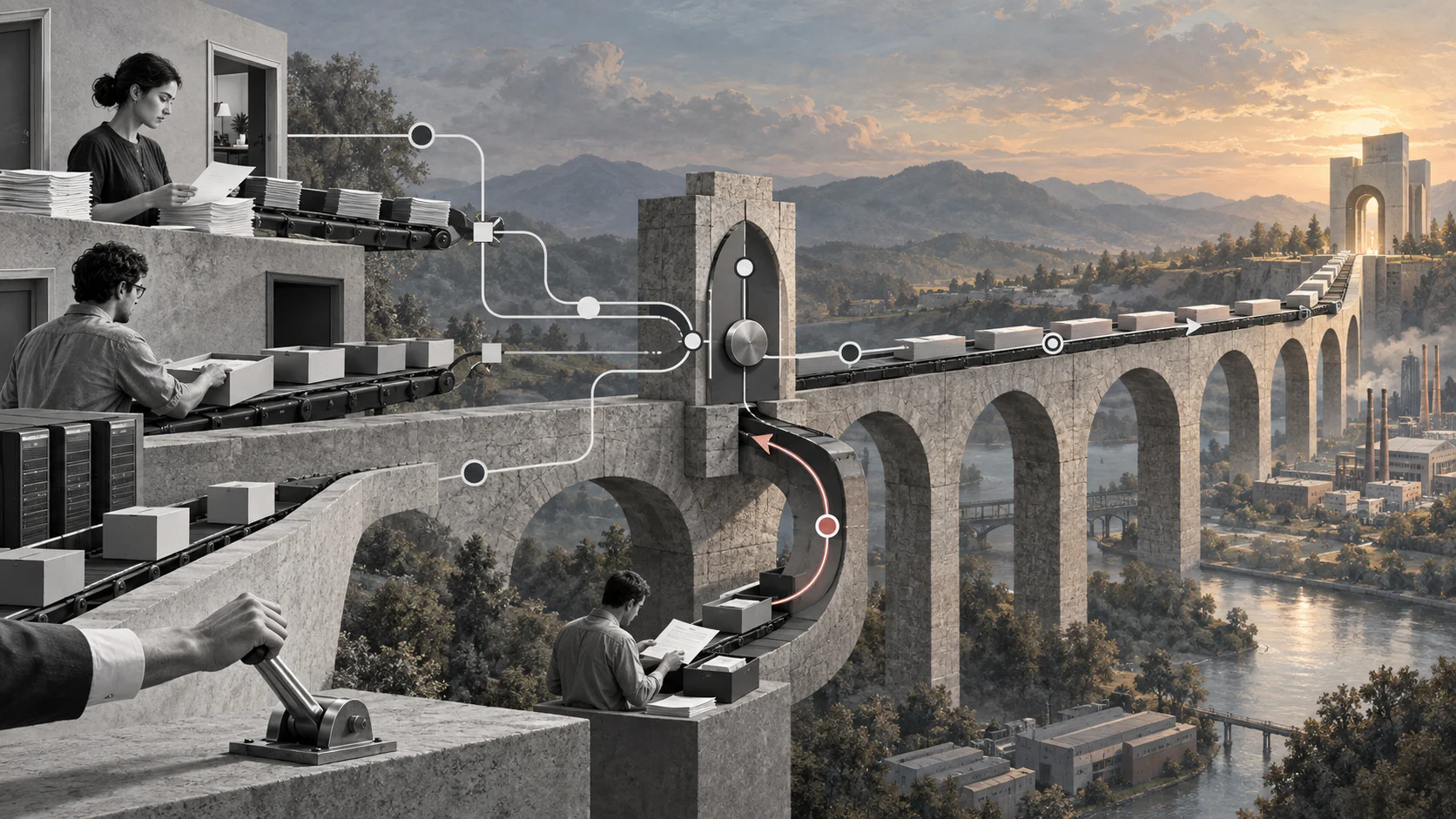
Automation completes tasks; orchestration makes sure the entire business outcome survives handoffs, systems, decisions, and exceptions.
Workflow orchestration coordinates tasks, people, decisions, and applications across an end-to-end business process. It is useful when a process no longer lives inside one team or tool: a request starts in a form, data moves to another system, a manager approves it, an outside party supplies information, and an exception may require manual review.
Quick answer
Workflow orchestration is the design and control of connected workflow steps so they run in the right order, use the right data, reach the right owner, and recover when something fails. A strong orchestration model defines triggers, state, dependencies, decision rules, human approvals, integrations, exception handling, audit history, and outcome metrics before a team automates the process.
What’s in this article?
- How orchestration differs from ordinary workflow automation
- The components an orchestration model needs
- A seven-step method for building an orchestrated workflow
- A practical example for service delivery
- Failure points and metrics to monitor
What is workflow orchestration?
IBM defines workflow orchestration as coordinating multiple automated tasks across business applications and services. That coordination is the important part. Individual automations may send a notification, copy data, create a task, or update a record. Orchestration manages how those actions combine into a complete result.
Consider customer onboarding. A form submission might create an account, but the business outcome also depends on validation, contract approval, access provisioning, training, billing setup, and confirmation that the customer is ready. Orchestration maintains the sequence and state across every participant.
Workflow orchestration vs workflow automation
| Dimension | Workflow automation | Workflow orchestration |
|---|---|---|
| Scope | One task or bounded workflow | End-to-end outcome across workflows |
| Primary concern | Reducing manual work | Coordinating dependencies and state |
| Participants | Usually one team or tool | Multiple roles, teams, and systems |
| Failure handling | Task-level error | Retries, fallbacks, escalation, and recovery |
| Measurement | Task completion | Cycle time, reliability, exceptions, and outcome |
Automation and orchestration are complementary. Automations perform work; orchestration decides when that work should start, what happens next, and how the process responds when reality differs from the happy path.
What should a workflow orchestration model include?
| Component | Design question | Example |
|---|---|---|
| Trigger | What starts the workflow? | Approved service request |
| State | What must the system remember? | Awaiting customer documents |
| Dependency | What must finish first? | Contract before account access |
| Decision | Which rule changes the path? | Risk score requires legal review |
| Owner | Who is accountable now? | Implementation manager |
| Integration | Which system performs or records work? | CRM, billing, or identity platform |
| Exception | What happens when the path breaks? | Retry, queue, or named escalation |
| Evidence | What proves the step occurred? | Timestamp, approval, or document |
Teams can model complex processes with a shared notation when precision matters. The Object Management Group publishes the BPMN 2.0.2 specification, which provides a formal standard for representing process events, activities, gateways, and flows. A simple workflow does not require full BPMN, but every orchestrated process still needs explicit states and paths.
How to build an orchestrated workflow
- Define the business outcome. State what completion means in observable terms. “Customer ready to use the service” is stronger than “onboarding tasks completed.”
- Map the current path. Identify the trigger, handoffs, decisions, systems, waits, and common exceptions. Include manual work and side channels.
- Define state and ownership. Every active case needs a current status and one accountable role. Avoid statuses such as “in progress” when a more precise state is possible.
- Separate rules from tasks. Write the conditions that select a path independently from the actions performed on that path. This makes changes safer.
- Design failure behavior. Decide which actions retry, which require human review, when an SLA clock pauses, and who receives an escalation.
- Connect systems carefully. Define the system of record for each data field, integration ownership, duplicate protection, and reconciliation method.
- Test and improve. Run normal, incomplete, duplicate, late, rejected, and system-failure scenarios before scaling the workflow.
Technical orchestration engines often use state machines. AWS Step Functions documentation, for example, describes event-driven steps, execution state, service integrations, execution history, and callback patterns for long-running work that may require human interaction. Business teams need the same design discipline even when they use a low-code platform.
Example: orchestrating a service delivery request
A client submits a request with a desired date and required deliverable. The orchestrated workflow validates the request, checks contractual scope, routes an exception for approval when necessary, assigns an available service owner, schedules the work, collects the deliverable, requests client acceptance, and creates a billing event.
If the client omits information, the case enters a waiting state with reminders instead of disappearing from a person’s inbox. If no qualified owner is available, the workflow opens a capacity exception. If the deliverable is rejected, the case returns to revision while preserving its history. The orchestration layer makes these paths visible and measurable.
Common workflow orchestration mistakes
- Automating a broken process. Faster task execution does not repair unclear ownership or unnecessary approvals.
- Designing only the happy path. Missing data, duplicate requests, unavailable approvers, and failed integrations are normal operating conditions.
- Using notifications as control. An email alert is not ownership, state, or proof that work advanced.
- Letting every tool become a system of record. Conflicting status and customer data create reconciliation work.
- Measuring activity instead of outcomes. Task counts can rise while cycle time and exception backlogs get worse.
How should workflow orchestration be measured?
Track end-to-end cycle time, time spent waiting, first-pass completion, exception rate, recovery time, overdue cases, manual touches, and the percentage of cases that reach the intended business outcome. Break metrics down by path and exception type. Averages alone can hide a small group of cases that consume most operational effort.
Where Workhint fits
Workhint can turn an orchestration design into a live work system. Teams can use it as workflow automation software to connect intake, roles, permissions, assignments, approvals, schedules, documents, external participants, exception routing, and dashboards around one operational outcome.
The practical value is not another isolated automation. It is a shared operating layer where people can see the current state, the next owner, the applicable rule, and the evidence needed to complete the process.
FAQ
What is the difference between workflow orchestration and process orchestration?
Workflow orchestration usually coordinates connected tasks and workflows. Process orchestration is often used more broadly for coordinating complete business processes across people, policies, and systems. In practice, vendors use the terms inconsistently, so evaluate the actual scope and controls.
When does a business need workflow orchestration?
It becomes useful when work crosses several systems or teams, includes approvals or waits, has frequent exceptions, or lacks a reliable end-to-end status. A simple one-team checklist may not need it.
Can workflow orchestration include human tasks?
Yes. Human approvals, reviews, document requests, and exception decisions are often essential. The design should assign an owner, set a deadline, preserve context, and define what happens if the person does not respond.
What should a team orchestrate first?
Start with a process that has clear business value, repeated volume, multiple handoffs, and visible failure costs. Avoid beginning with the largest process in the company; prove the operating model on a bounded workflow first.
Conclusion
Workflow orchestration turns separate tasks into a dependable operating system. The strongest designs begin with the business outcome, make state and ownership explicit, account for exceptions, and measure the complete path rather than individual activity.
Map one real process, define its rules and failure paths, and test it before adding more automation. That sequence produces workflows that are scalable, repeatable, and measurable instead of merely fast.
Leave a Reply