

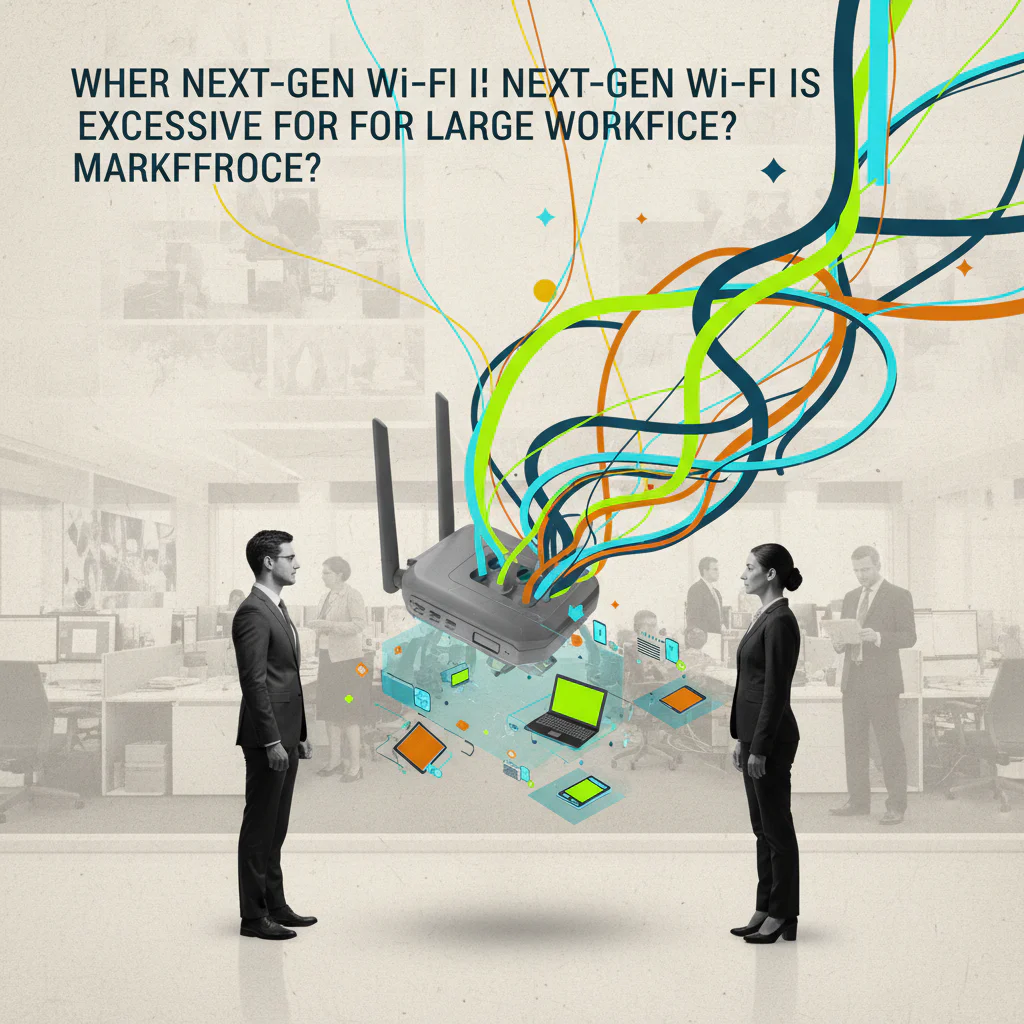
Wi-Fi 7 adds speed but its cost and bandwidth only pay off when many devices and high-density operations need it; smaller teams waste resources.
When a growing organization evaluates its wireless infrastructure, the lure of the newest standard can feel like a competitive edge. Yet the decision to adopt Wi‑Fi 7 often rests on assumptions about speed and future‑proofing that mask a more nuanced reality. Workforce leaders, operators, founders, and the finance or talent teams that fund these upgrades all wrestle with a common question: does the added bandwidth truly translate into measurable value for our people, or are we paying for capacity that will sit idle?
The conversation tends to overlook two critical points. First, the cost of Wi‑Fi 7 hardware and licensing can consume a significant portion of an IT budget, especially for companies that have not yet reached the device density that justifies such an investment. Second, many organizations focus on headline speeds while neglecting how their actual workflow patterns, application demands, and employee locations shape network performance. This gap in understanding often leads to over‑specification, leaving teams with powerful equipment that delivers little return.
By unpacking the hidden trade‑offs between performance, scale, and expense, we can clarify when Wi‑Fi 7 is a strategic win and when it is an unnecessary expense. Now let’s break this down.
Why does Wi Fi 7 matter for large workforce operations
Large organizations often juggle hundreds of devices that stream video, run cloud applications and attend virtual meetings simultaneously. Wi Fi 7 introduces higher throughput and lower latency, which can keep these connections stable when many users compete for bandwidth. However the benefit only materialises when the network is already approaching the limits of older standards. In a typical office where most employees use laptops and smartphones, Wi Fi 6 already delivers sufficient capacity for most tasks. The extra speed of Wi Fi 7 becomes a decisive factor only in environments with dense device clusters such as call centres, collaborative labs or event spaces where dozens of high definition streams run side by side. Understanding this threshold helps leaders decide whether the upgrade will directly improve employee productivity or simply add unused headroom.
What hidden costs accompany a Wi Fi 7 deployment
Beyond the sticker price of access points, Wi Fi 7 projects often require new cabling, upgraded switches and additional licences for management platforms. The installation phase can demand specialised technicians, extending labour expenses. Ongoing maintenance may rise because newer hardware typically needs more frequent firmware updates and monitoring to avoid performance degradation. Companies also face indirect costs such as training IT staff on the new protocol and reallocating budget that could otherwise support employee development or software licences. By mapping these financial layers early, decision makers can compare the true total cost of ownership against the projected productivity gains.
How can organisations accurately assess device density before upgrading
A practical first step is to conduct a wireless site survey that records the number of concurrent devices per square metre and the bandwidth each application consumes. Tools such as network analytics platforms can aggregate this data over a typical work week, revealing peak usage periods. With these metrics, leaders can calculate the aggregate throughput demand and compare it to the capacity of existing Wi Fi 6 equipment. If the demand consistently exceeds 80 percent of that capacity, the case for Wi Fi 7 strengthens. Conversely, if utilization hovers around half of the current limit, the organization may postpone the upgrade and invest in optimisation measures like channel planning or signal repeaters. This data driven approach removes guesswork and aligns technology choices with real workforce needs.
What common misconceptions lead teams to overinvest in Wi Fi 7
Many leaders equate the newest wireless standard with automatic performance improvement for every user. In reality, speed gains are most noticeable when devices support the same protocol and when applications can leverage higher data rates. Upgrading to Wi Fi 7 while the majority of laptops still run Wi Fi 5 yields minimal benefit. Another myth is that higher speed eliminates the need for proper network design; poor placement of access points or interference from building materials can still cripple performance regardless of the standard. Recognising these misconceptions helps organisations avoid spending on technology that does not address the root causes of connectivity issues.
FAQ
Is Wi Fi 7 necessary for a team of one hundred employees
For a workforce of one hundred employees the need for Wi Fi 7 depends on how many devices each person uses and the type of applications they run. If most staff rely on standard office tools and occasional video calls, Wi Fi 6 usually provides ample capacity. However, if the environment includes frequent high definition streaming, large file transfers or specialised equipment such as virtual reality stations, Wi Fi 7 can prevent congestion and keep latency low. Conducting a usage audit will reveal whether the added bandwidth translates into tangible productivity gains.
How can I calculate the return on investment for a Wi Fi 7 upgrade
Start by estimating the current cost of lost productivity caused by network slowdowns, such as delayed meetings or extended file uploads. Next, add the total cost of hardware, installation, licensing and training for the Wi Fi 7 rollout. Compare the projected reduction in downtime against this investment over a typical three year period. If the savings exceed the total cost, the upgrade delivers a positive return on investment. Using real time network metrics makes this calculation more reliable.
What alternatives exist if Wi Fi 7 is too costly for my budget
Organizations can optimise existing Wi Fi 6 networks by improving access point placement, upgrading to higher grade antennas and implementing quality of service rules that prioritise critical applications. Adding wired Ethernet for high bandwidth workstations also reduces wireless load. In some cases, deploying a mixed environment where high demand areas receive a limited number of Wi Fi 7 nodes while the rest of the office stays on Wi Fi 6 balances performance with cost.
Can Wi Fi 7 improve employee experience in remote or hybrid settings
Wi Fi 7 primarily enhances the on‑site wireless environment. For remote workers who rely on home broadband, the upgrade has little direct impact. However, a stronger on‑site network can support more reliable video conferencing rooms and collaborative spaces, which benefits hybrid teams that frequently gather in the office. The improvement is therefore indirect, creating smoother shared experiences for those who come into the workplace.
The need for a centralized workforce infrastructure
When an organization evaluates a Wi-Fi 7 rollout, it must track device counts, location constraints, budget approvals, compliance paperwork, and deployment schedules across many sites. Managing these elements with spreadsheets, email threads, and separate ticketing tools quickly creates mismatched data, missed deadlines, and duplicated effort. As the number of locations and external technicians grows, ad hoc solutions cannot guarantee that every installation follows the same process or that payments are issued on time. What is required is a single system that stores network plans, coordinates contractor assignments, records progress, and triggers compensation automatically. An example of the type of platform teams adopt is Workhint, which provides a modular backbone for such coordinated operations. By consolidating planning, execution, and compliance in one place, teams avoid the fragmentation that slows large-scale technology projects.
The core question—whether Wi‑Fi 7’s extra bandwidth becomes a real lever for employee performance or merely an idle expense—finds its answer in the gap between demand and supply. By grounding the upgrade decision in concrete measurements of concurrent device load and application throughput, leaders can see past the allure of headline speeds and focus on the point at which the existing network truly strains. When that threshold is reached, the investment translates into smoother collaboration and lower latency; when it is not, the same dollars achieve more impact elsewhere. The lasting insight is simple: let real usage data, not future‑proofing hype, dictate the timing of a Wi‑Fi 7 rollout. Capacity is only valuable when it is actually used.
Leave a Reply