

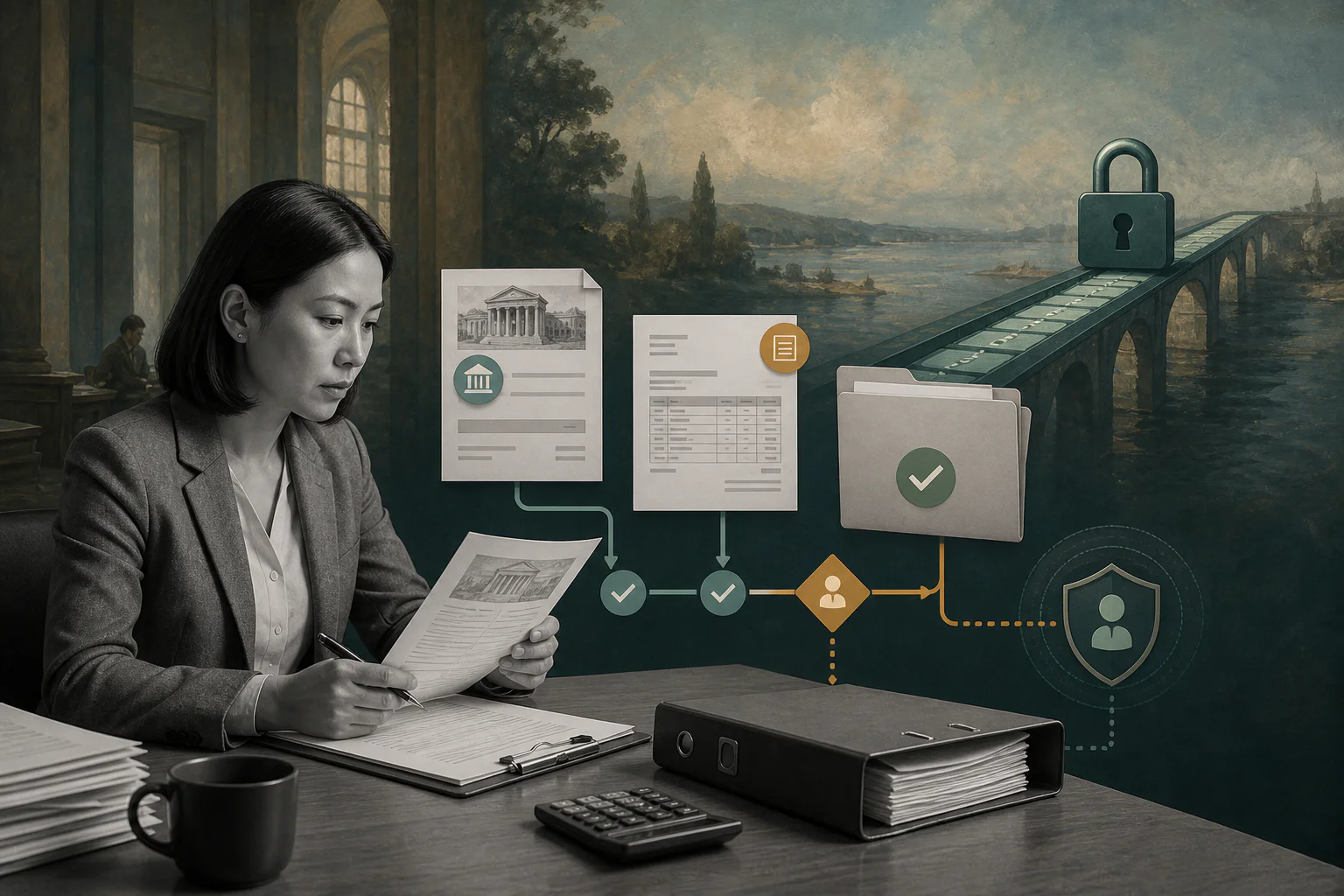
A vendor bank change should never move straight from an email into a payment run.
Vendor bank account verification is the control finance teams use to confirm that supplier banking details are legitimate before money leaves the business. It matters during onboarding, but even more when an existing vendor asks to change payment instructions. A fake bank change can turn a normal AP process into an unrecoverable loss.
For teams paying contractors, vendors, agencies, marketplaces, and service providers, the problem is not simply collecting a routing number or IBAN. Finance needs a workflow that verifies who requested the change, whether the account belongs to the vendor, who approved it, whether payments should pause, and what evidence will be available later.
What’s in this article?
- What verification should confirm
- When finance teams should run verification
- A practical workflow for new vendors and bank changes
- Controls that reduce payment fraud and update errors
- Common mistakes that create avoidable AP risk
Why vendor bank account verification matters
Vendor banking data sits close to cash. Once a fraudulent ACH, wire, or international transfer leaves the business, recovery can be slow or impossible. The FBI warns businesses to verify changes in account numbers or payment procedures, especially when requests come with pressure or urgency.
That guidance is practical because many payment attacks are procedural. A finance user receives what looks like a normal vendor email, updates the vendor record, includes the vendor in the next payment run, and discovers the issue only when the real vendor asks why the invoice remains unpaid.
What verification should confirm
A strong process confirms more than whether a bank account format is valid. Format checks can catch bad routing numbers or malformed IBANs, but they do not prove ownership. Finance should separate five checks:
| Check | Question it answers | Typical evidence |
|---|---|---|
| Request authenticity | Did the request come from an approved vendor contact? | Vendor portal request, signed form, verified contact record |
| Independent confirmation | Was the change confirmed outside the requesting email? | Callback to known number, portal confirmation, existing contract contact |
| Account validity | Does the bank account structure appear usable? | Routing validation, IBAN validation, bank name match |
| Ownership confidence | Does the account belong to the vendor or approved payee? | Bank letter, voided check, validation provider, verified beneficiary data |
| Approval and audit trail | Who approved the update and when? | Maker-checker approval, timestamp, supporting documents, change log |
Nacha’s account validation guidance is focused on ACH WEB debit fraud detection, but the broader lesson applies to AP operations: payment account details should be validated before first use and before risky account changes.
When to verify vendor bank accounts
Verification should happen before risky data reaches the payment file. If the account is already saved in the ERP and scheduled into a payment batch, the process is too late. Verify banking details at these moments:
- New vendor onboarding before the first payment is released
- Any request to change account number, routing number, IBAN, SWIFT, beneficiary, payment country, or currency
- Reactivation of a dormant vendor after a long pause
- High-value or unusual invoices from existing vendors
- Payments after vendor ownership, entity, or legal-name changes
- Emergency payment requests that bypass the normal cycle
Teams using vendor portals or ERP vendor self-service still need controls. Microsoft Dynamics 365 Finance documentation shows how vendor bank records can be maintained in finance systems; finance still has to define which changes require review, who approves them, and what evidence is stored.
Vendor bank account verification workflow
The workflow should be strict enough to protect cash and simple enough for AP to use every week:
- Centralize the request. Require vendors to submit banking details through an approved form, portal, or structured intake process. Do not accept payment instructions buried in email threads.
- Freeze affected payments. Place a temporary hold on payments to that vendor until the bank change is reviewed. The hold should be visible to AP, procurement, budget owners, and payment approvers.
- Check the requester. Compare the sender, portal user, or signed form against the approved vendor contact record. Verify any new contact before verifying the account.
- Confirm through an independent channel. Call a known phone number from the original vendor record, contract, or verified website. Do not use the phone number included in the change request unless it is already trusted.
- Validate account details. Check account format, bank name, country, currency, beneficiary name, and required local payment fields. For higher-risk payments, request ownership evidence.
- Route maker-checker approval. The person entering or requesting the change should not be the only person approving it. Separate data entry, verification, and payment release authority.
- Update the vendor record. Store the approved banking details in the finance system only after verification is complete. Record effective dates when the system supports them.
- Release payments deliberately. For large or unusual changes, consider a test payment, delayed first run, or second review before releasing the full amount.
- Keep the evidence. Save the request, verification notes, callback result, approver, timestamp, and supporting documents in a place auditors and finance leaders can inspect later.
Controls finance teams should define
Vendor bank verification works best when the rules are explicit. Finance should define which changes are low, medium, and high risk. A same-day international wire change for a high-value invoice should require stronger evidence, senior approval, and a payment hold.
LSEG lists sudden supplier bank account changes, unfamiliar invoice details, duplicate invoices, and urgent payment pressure among AP fraud risk signals. Those signals should become workflow rules. When one appears, the payment should slow down automatically instead of relying on AP staff to remember every exception.
Common mistakes
- Treating validation as ownership verification. A valid routing number does not prove the account belongs to the vendor.
- Trusting the email thread. Compromised vendor email can look legitimate because the attacker may be inside the real conversation.
- Letting one person change and pay. Bank updates and payment release should be separated.
- Skipping holds for familiar vendors. Existing vendors are attractive targets because finance teams trust them.
- Losing the evidence. If the proof lives in one person’s inbox, it is not an audit-ready control.
Where Workhint fits
Workhint fits when vendor bank account verification needs to become an operating workflow, not an AP reminder. A finance team can structure vendor change intake, required documents, verified contacts, payment holds, approval routing, exception escalation, and audit history in one system.
That matters because verification touches several roles. Procurement may own vendor relationships, AP may own the vendor master, finance may approve payment release, and operations may need to know why a payout is paused. Workhint helps connect those steps so a bank change does not disappear into email, spreadsheets, or manual follow-up before payment.
FAQ
What is vendor bank account verification?
It is the process of confirming that vendor banking details are valid, authorized, and connected to the correct vendor before payments are released or payment instructions are changed.
Is bank account validation the same as verification?
No. Validation often checks whether account details are structurally usable. Verification should also confirm requester authenticity, ownership confidence, independent confirmation, approvals, and audit evidence.
When should a vendor bank change trigger a payment hold?
Any new or changed payment instruction should trigger at least a temporary hold until verification is complete. High-value, urgent, international, or unusual requests should receive stronger review.
Who should approve vendor bank account changes?
Use maker-checker approval. The person entering the change should not be the only approver, and the person releasing payment should be able to see verification evidence before funds move.
Conclusion
Vendor bank account verification is a cash-control workflow. The goal is to keep fraudulent, mistaken, or unsupported payment instructions out of the vendor master and payment run.
Start with centralized requests, independent confirmation, validation, payment holds, approval, and audit trails. That protects payments without making every vendor update a fire drill.
Leave a Reply