

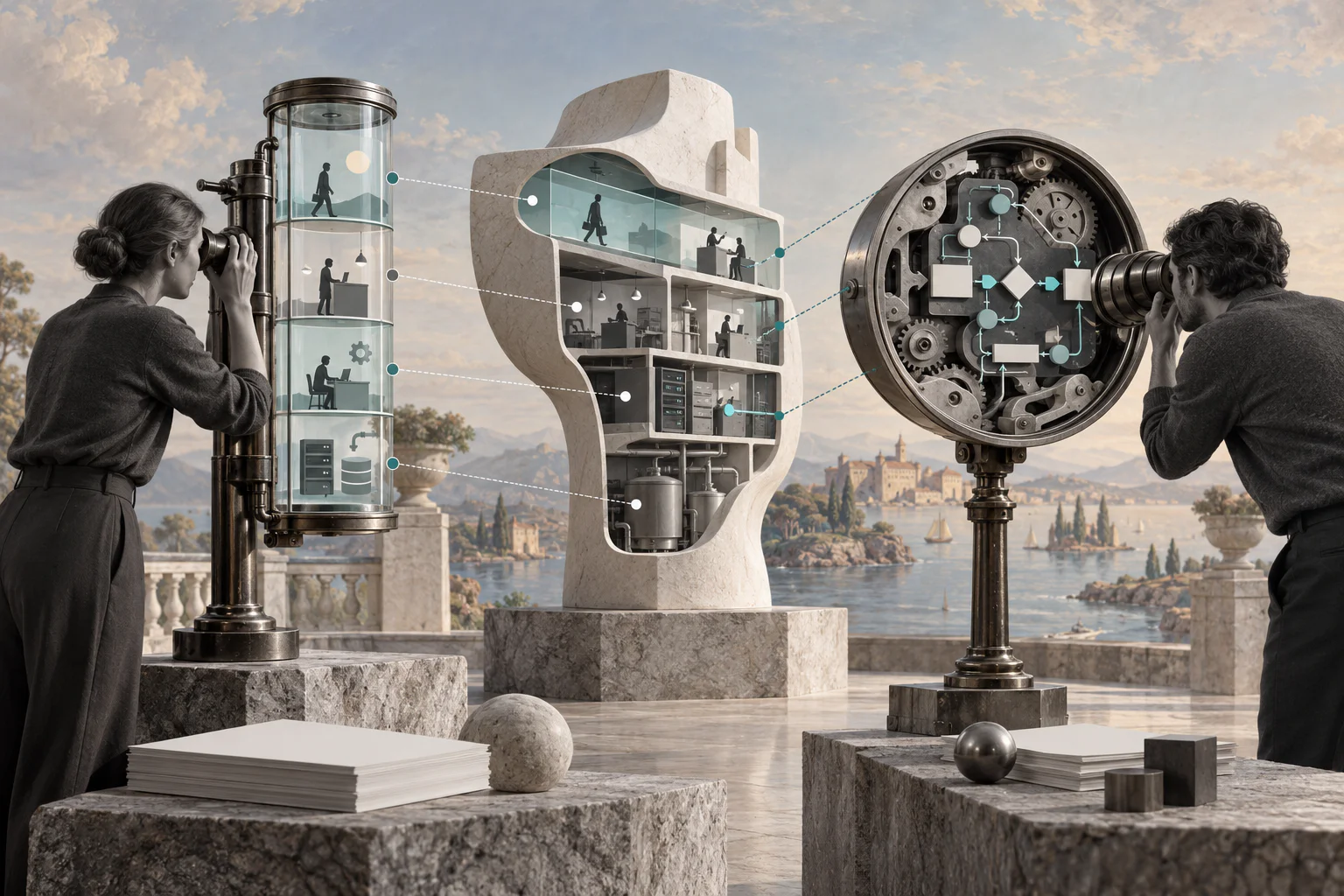
The wrong map can make a service problem look like a task problem—or hide the customer impact entirely.
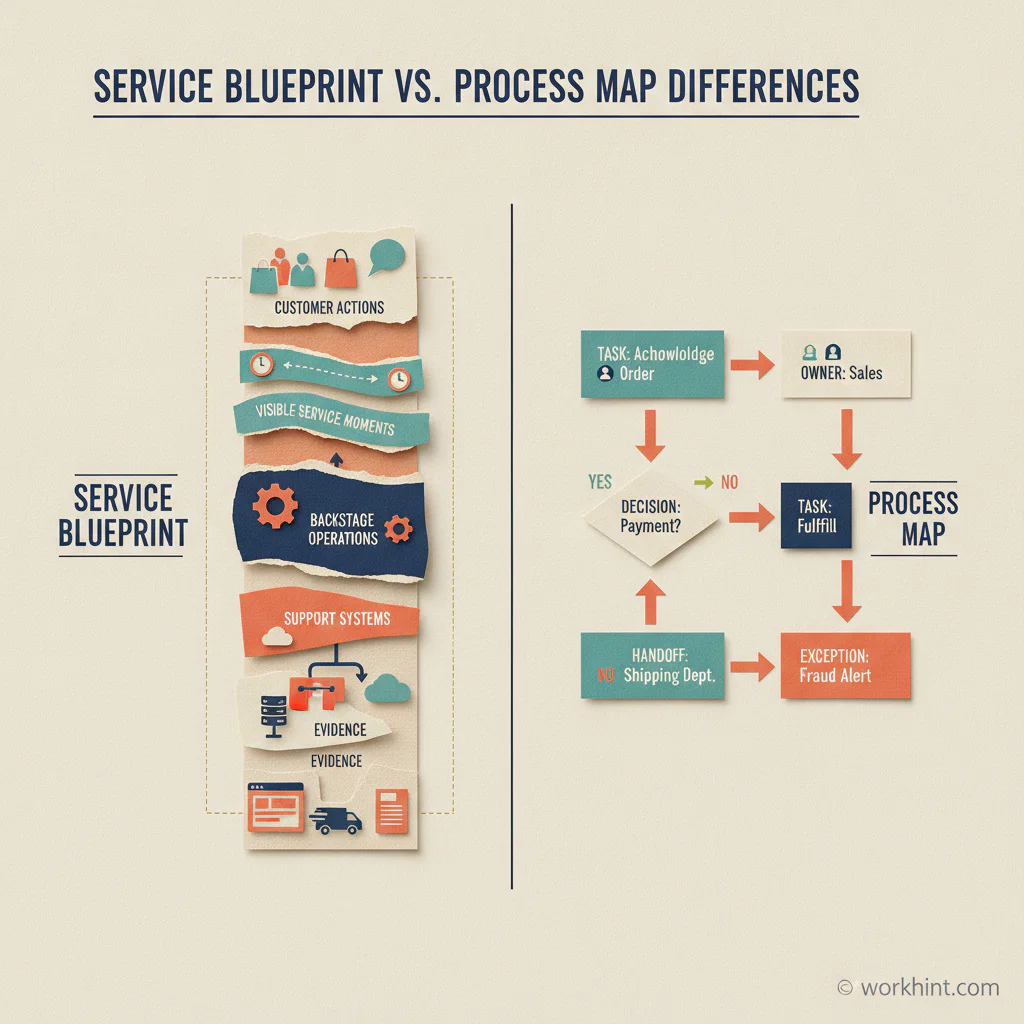
A service blueprint vs process map comparison starts with scope. A process map shows how work moves through steps, decisions, and owners. A service blueprint connects that internal flow to customer actions, visible interactions, backstage work, supporting systems, and evidence. Both are useful, but they answer different operating questions.
Quick answer
Use a process map when you need to understand or improve the sequence of internal work. Use a service blueprint when you need to understand how customer experience depends on frontstage interactions and backstage operations. For complex services, start with a blueprint to locate the failure, then create a detailed process map for the internal workflow that needs redesign.
What’s in this article?
- The practical difference between a service blueprint and a process map
- What each tool includes and when to use it
- A decision table and a six-step mapping workflow
- A business example, common mistakes, and implementation guidance
What is a service blueprint?
A service blueprint is a layered view of how an organization delivers a specific customer outcome. The Nielsen Norman Group definition describes it as a diagram linking people, physical or digital evidence, and processes to touchpoints in a customer journey.
A typical blueprint includes customer actions, frontstage actions the customer can see, backstage actions, support processes, and evidence such as emails, forms, screens, or documents. Lines of interaction and visibility make an important distinction: a customer may see a confirmation message but not the inventory check, approval, data transfer, or exception queue behind it.
That structure makes the blueprint valuable for services spanning departments, channels, systems, or external providers. It exposes how an apparently simple customer moment depends on coordinated work elsewhere. Service Design Tools similarly emphasizes the relationship between roles and stages, including human, organizational, machine, and AI actors.
What is a process map?
A process map visualizes how work moves from a defined start to a defined finish. It usually shows tasks, decisions, inputs, outputs, owners, handoffs, and sometimes time or system rules. According to IBM’s process mapping overview, process maps help teams understand workflows, communicate them, and identify bottlenecks or redundancies.
Process maps can be high-level or detailed. A simple flowchart may show only the main steps. A swimlane map adds ownership. A detailed model may include alternate paths, business rules, delays, and exception handling. The map’s center of gravity is the work itself, not necessarily the customer’s perception of that work.
Service blueprint vs process map differences
| Question | Service blueprint | Process map |
|---|---|---|
| Primary focus | End-to-end service delivery | Sequence and control of work |
| Starting point | Customer goal or service scenario | Process trigger and boundary |
| Core layers | Customer, frontstage, backstage, support, evidence | Steps, decisions, owners, inputs, outputs |
| Best for | Cross-channel service failures and experience gaps | Bottlenecks, rework, handoffs, and automation |
| Typical output | Shared service model and improvement priorities | Current-state or future-state workflow |
| Main risk | Becoming too broad to execute | Optimizing a task while missing customer impact |
The tools overlap. Both can show roles, dependencies, timing, failures, and technology. The difference is the lens. A blueprint asks, “What must happen across the service for this customer outcome to occur?” A process map asks, “How does this defined unit of work move, and where should it change?”
When should you use each map?
Use a service blueprint when
- Customers experience delays, inconsistent answers, or broken transitions between channels.
- Several teams contribute to one service outcome but optimize their own steps separately.
- You need to connect visible touchpoints to policies, systems, vendors, and backstage work.
- The problem is unclear and you need to locate the operational cause behind an experience issue.
Use a process map when
- The workflow boundary and trigger are already clear.
- You need to reduce cycle time, rework, approvals, or handoff delays.
- You are preparing a workflow for standardization or automation.
- Teams need explicit decision rules, owners, and exception paths.
Use both when the service view identifies a specific operational weakness. The blueprint should locate the critical moment; the process map should provide the detail needed to redesign and implement it.
How to choose and build the right map
- Name the decision. Write what the map must help the team decide, such as why customers abandon onboarding or why approvals miss a target.
- Set one boundary. Choose one customer scenario for a blueprint or one trigger-to-outcome workflow for a process map.
- Collect evidence. Review timestamps, tickets, customer feedback, system logs, and actual work samples. Do not map policy as if it were practice.
- Map with the people doing the work. Include front-line operators and system owners, not only managers.
- Mark failures and measures. Add waits, rework, missing information, exception volume, cycle time, and customer-visible consequences.
- Convert findings into controlled changes. Assign an owner, define a target measure, test the future state, and decide when to review it.
Practical example for customer onboarding
Suppose a B2B company hears that new customers wait too long to begin service. A process map of account setup may show a clean sequence: receive contract, create account, configure access, schedule kickoff. It may still miss why customers feel stalled.
A service blueprint adds the customer’s actions and visible evidence. It reveals that customers receive no status update after signing, while backstage teams wait for billing approval and security information held in separate queues. The blueprint identifies the critical experience gap. The team can then map the billing-and-security workflow in detail, remove duplicate intake, define an escalation rule, and trigger a customer update when work changes state.
Common mapping mistakes
- Mapping too much. “The entire customer lifecycle” rarely produces an executable design. Choose one scenario.
- Confusing the documented process with real work. Validate the map with evidence and operators.
- Ignoring exceptions. The standard path may look efficient while unusual cases create most delays.
- Stopping at the diagram. Every priority finding needs an owner, metric, due date, and review point.
- Automating before clarifying. Automation can accelerate a poorly designed rule or route errors more consistently.
Where Workhint fits
A map explains the intended system; execution requires the roles, permissions, intake, routing, approvals, notifications, escalations, and reporting behind it. Workhint helps teams turn the selected design into an operational system. After a blueprint identifies the service moment and a process map defines the internal flow, teams can use workflow automation for coordinated operations to connect the steps and keep the work measurable without treating the diagram as the finished solution.
FAQ
Is a service blueprint the same as a customer journey map?
No. A journey map emphasizes the customer’s steps, goals, and experience. A service blueprint adds the visible and invisible organizational work required to deliver that journey.
Can a service blueprint replace a process map?
Usually not. A blueprint provides cross-functional service context, while a process map can document the detailed logic, ownership, and exceptions needed to improve or automate a particular workflow.
Which map should an operations team create first?
If the operational problem and workflow boundary are known, start with a process map. If the symptom appears at a customer touchpoint but the cause is unclear, start with a service blueprint.
How often should businesses update these maps?
Review them when a major system, policy, role, channel, or provider changes. For high-volume services, also review the linked metrics on a regular operating cadence and update the map when actual work diverges.
Conclusion
The service blueprint vs process map choice is not about which diagram is better. It is about matching the map to the decision. Use a blueprint to connect customer experience with the service system. Use a process map to redesign a defined flow. When the problem crosses both layers, use the blueprint to find the right workflow and the process map to make the change executable.
Leave a Reply