

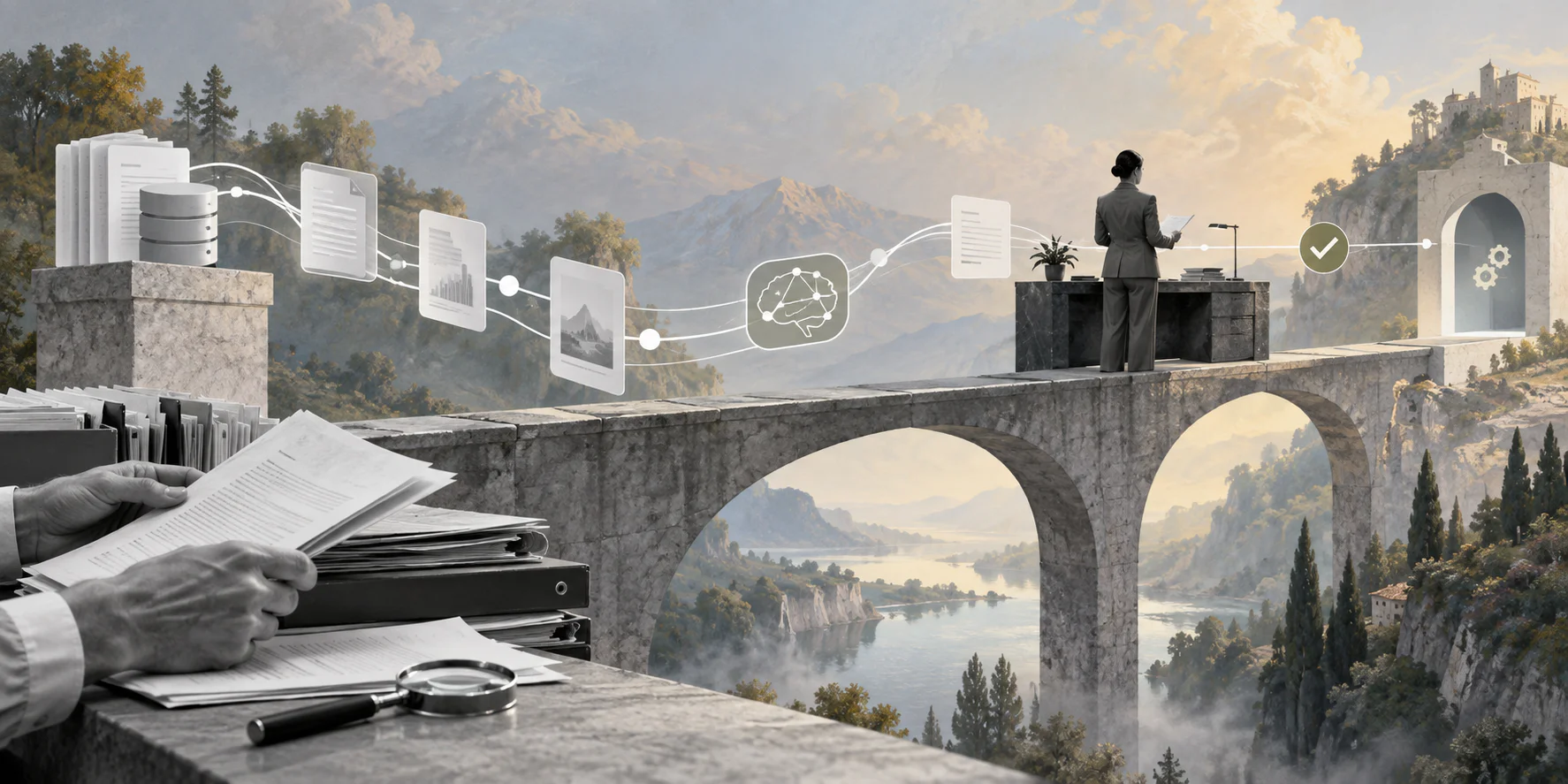
AI data lineage helps teams prove where an automated decision came from before that decision changes real work.
AI data lineage is the record that connects the data an AI workflow used, the output it produced, the person or rule that approved it, and the business action that followed. It matters when AI is no longer just drafting text and starts routing requests, preparing payments, recommending approvals, updating records, or triggering follow-up work.
Quick answer
AI data lineage should show the source data, retrieval context, prompt or instruction version, model output, workflow rules, human review, downstream system action, and final business result. For business workflows, lineage is useful only when it connects data to operational accountability: who submitted the work, what AI saw, what changed, who approved it, and what evidence remains.
What’s in this article?
- What AI data lineage means in a business workflow.
- A checklist for sources, prompts, retrieval, approvals, actions, and audit evidence.
Why AI data lineage matters
Traditional data lineage usually traces where data came from, how it moved, and how it was transformed. AWS describes data lineage in SageMaker Unified Studio as a way to capture and visualize lineage events so teams can trace data origins, transformations, and cross-organizational consumption. That idea is useful, but AI workflow automation adds more layers.
An AI workflow may read a form, retrieve policy text, summarize a document, classify risk, recommend a reviewer, create an approval packet, and update a CRM, HR, finance, procurement, or operations system. If something goes wrong, a data catalog alone may not answer why the workflow took that action.
The NIST AI Risk Management Framework frames AI risk around governance, mapping, measurement, and management. In workflow terms, lineage gives operations, compliance, IT, finance, HR, procurement, and customer teams a shared evidence trail.
What is AI data lineage?
AI data lineage is the trace from source data to AI output to workflow action. It shows what entered the system, how it was interpreted, which model or retrieval source influenced the output, who reviewed it, and what result followed.
For example, a vendor onboarding workflow may use a supplier form, tax document, contract, bank details, insurance certificate, and security questionnaire. AI can extract fields, flag missing evidence, summarize risk, and recommend the next reviewer. Lineage connects those records to the AI summary, policy rule, human approval, vendor status update, and final audit record.
AI data lineage checklist
| Lineage layer | What to capture | Why it matters |
|---|---|---|
| Source data | Forms, documents, records, messages, systems, timestamps, requester, and data owner. | Shows what the AI workflow could see when it produced an output. |
| Retrieval context | Knowledge base, policy version, document IDs, retrieved passages, and freshness date. | Prevents stale or unapproved context from quietly shaping decisions. |
| AI configuration | Model, prompt version, structured output schema, tools available, and confidence signal. | Helps teams reproduce behavior and compare changes over time. |
| Workflow control | Rules, thresholds, permissions, approval requirements, and exception triggers. | Separates what AI suggested from what the workflow allowed. |
| Human review | Reviewer, decision, edit, comment, override reason, and approval timestamp. | Keeps accountability attached to consequential actions. |
| Downstream action | System updated, payload summary, status change, notification, retry, or failure. | Shows what changed in the business after the AI step. |
| Final record | Outcome, audit package, retention status, access permissions, and reporting metric. | Lets the team inspect, improve, and defend the workflow later. |
How to build lineage into an AI workflow
Start with the business process, not the data platform. A lineage plan should attach to a real workflow such as vendor intake, invoice exception review, customer escalation, contractor onboarding, recruiting triage, procurement approval, or access requests.
- Define the workflow boundary. Name where the work starts, where it ends, which systems are touched, and which object is affected.
- Map the data sources. List every form, file, message, table, policy, knowledge base, and integration AI may use.
- Classify sensitivity. Mark customer, employee, vendor, contractor, financial, health, legal, confidential, and public data differently.
- Record AI context. Store prompt version, model, retrieval source, output schema, tool permissions, and confidence signals where available.
- Separate recommendation from action. Log the AI recommendation separately from the approval, system update, notification, payment, assignment, or rejection that follows.
- Attach approvals and exceptions. Capture who approved, rejected, edited, escalated, or overrode the AI-supported path.
- Review lineage gaps regularly. Look for missing source references, stale policies, undocumented overrides, untraceable tool calls, and workflow actions that cannot be explained.
Open standards can help technical teams avoid custom logging traps. OpenLineage provides a standard model for collecting lineage metadata across jobs and datasets. Business teams do not need every technical detail, but they should insist that workflow evidence survives beyond one dashboard or vendor tool.
Practical example: AI-assisted procurement review
Imagine a procurement team using AI to review supplier requests. The requester submits a vendor form, contracts, insurance documents, tax records, and a security questionnaire. AI extracts fields, summarizes risk, checks missing evidence, and recommends whether procurement, finance, security, or legal should review next.
Without lineage, the team may only see a recommendation: route to security. With lineage, the reviewer can see the source questionnaire, the policy version, the extracted data classification, the model output, the rule that required security review, and the final reviewer decision.
Collibra’s discussion of automated AI traceability for Snowflake Cortex shows the same broader trend: organizations need visibility into relationships among data assets, prompts, models, semantic views, outputs, ownership, policies, and quality context.
Common AI data lineage mistakes
- Tracking only source data. Source lineage matters, but AI workflows also need prompt, retrieval, model, rule, approval, and action lineage.
- Saving summaries without references. A generated summary is not evidence unless it links back to the source records that shaped it.
- Ignoring policy versions. A workflow may behave correctly against an outdated policy. Lineage should show which policy source was used.
- Mixing AI output with human decision. Keep the model recommendation separate from the reviewer decision and final action.
- Keeping lineage in a technical tool only. Developers need traces, but process owners need case-level history they can understand.
Where Workhint fits
Workhint fits when AI data lineage needs to become part of the work system, not a separate reconstruction exercise. An LLM may summarize a request, extract fields, classify risk, or recommend the next action. Workhint can structure the surrounding workflow with intake, roles, permissions, assignments, approvals, documents, schedules, payments, reporting, automation, and audit records.
That matters for teams evaluating workflow automation software for AI-assisted operations. The goal is to connect data to the request, owner, approval, exception, downstream action, and final business result.
FAQ
What is AI data lineage?
AI data lineage is the trace of data, context, model output, workflow rules, human review, and downstream action inside an AI-assisted process. It explains what the AI used and how that influenced the work.
How is AI data lineage different from an audit trail?
Lineage explains where data and context came from and how they flowed into an AI output. An audit trail records what happened in the workflow. Strong AI workflows usually need both.
Do business teams need lineage if technical logs already exist?
Yes. Technical logs may show API calls or job events, but business teams need case-level lineage that connects source evidence, AI output, approvals, decisions, and operational outcomes.
What workflows need AI data lineage first?
Start with workflows involving money, customer commitments, employee or candidate records, vendor approvals, contractor onboarding, compliance reviews, access changes, regulated data, or external communications.
Conclusion
AI data lineage keeps AI workflow automation explainable after the demo is over. Start with one workflow. Map the sources, retrieval context, model configuration, rules, approvals, downstream actions, and final record. The more authority AI has inside the workflow, the more important it becomes to prove what it saw, what it suggested, who approved it, and what changed.
Leave a Reply