

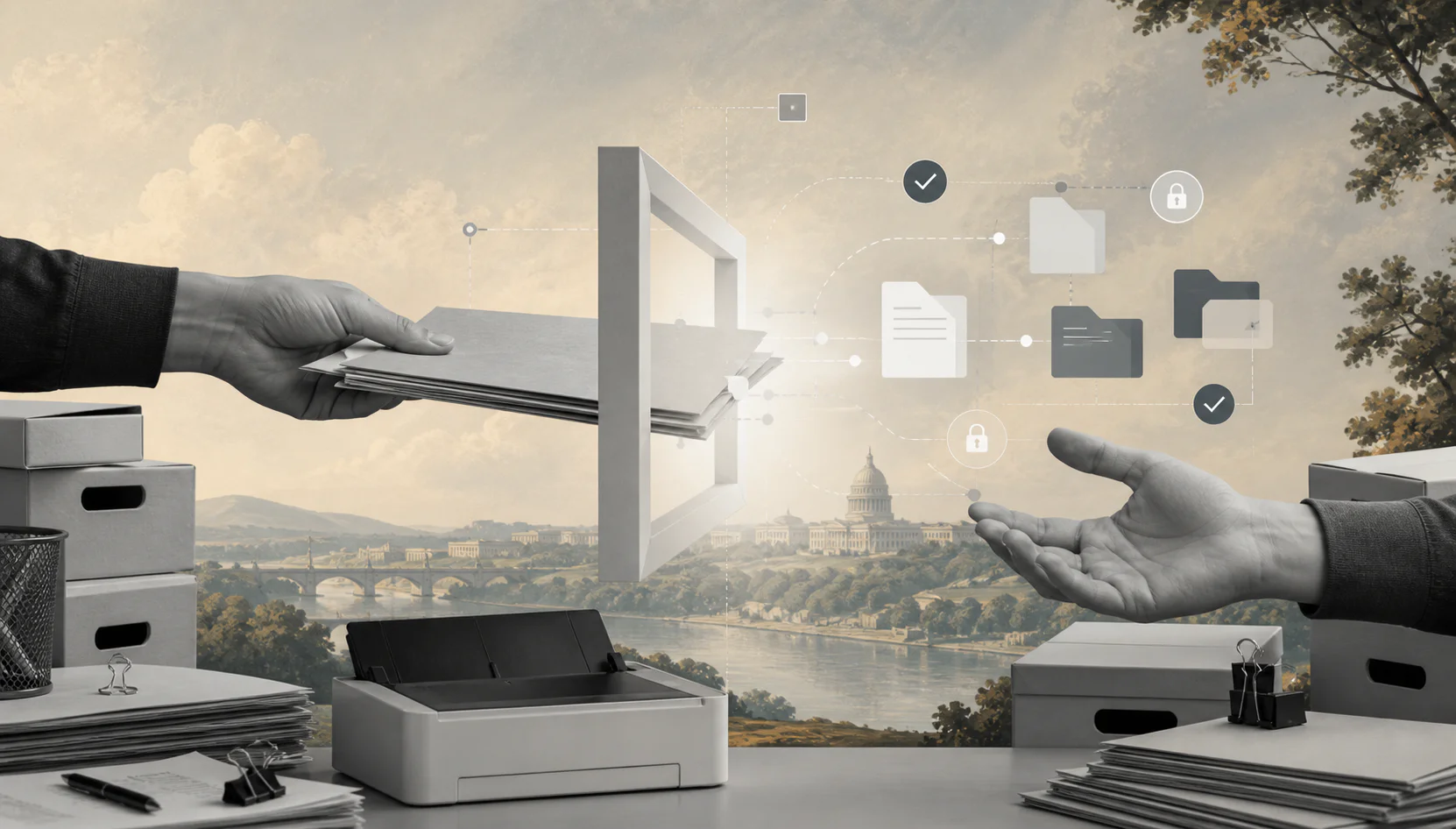
You can sell secure records digitization before buying production scanners, leasing space, or hiring a scanning team.
If you want to start a document scanning business, the smartest first move is not buying the biggest scanner you can finance. It is proving that local offices, clinics, law firms, schools, contractors, and agencies will pay to turn paper records into searchable digital files.
A document scanning business helps customers reduce paper storage, find records faster, and prepare for audits. The lean version starts with a branded request platform, a clear scanning offer, and independent providers who handle secure pickup, prep, scanning, OCR, and file delivery.
Validate demand first. Then decide whether owned scanners, dedicated space, or employees are worth adding.
What’s in this article?
- Why document scanning works as a practical service business
- What you need to launch without hiring staff
- How to price scanning, indexing, and specialty records
- How to get first customers
- How Workhint helps launch the operating platform
- A 7-day launch plan, checklist, and FAQ
Why this business works
Paper records are annoying until they become expensive. Businesses lose time searching, pay for storage, struggle with remote access, and worry about audits, retention rules, and misplaced files. That creates demand for scanning and records digitization.
The first offer can be narrow: scan one department’s archive, digitize client files, process HR records, convert invoices, scan project folders, or create searchable PDFs from banker boxes. You do not need to become Iron Mountain on day one.
This is a strong no-staff startup because production can be assembled around each job. You can sell, scope, and manage the customer relationship while independent scanning technicians, local print shops, records specialists, or secure fulfillment partners handle the physical work under clear standards.
Customers buy when the promise is specific: secure pickup, clean file naming, searchable PDFs, agreed indexing fields, reliable turnaround, and a process that does not dump a box of random PDFs back on them.
What you need to start a document scanning business
Start with the operating system, not the warehouse. You need a way to receive requests, estimate volume, quote projects, track chain of custody, assign providers, review output, collect approvals, and deliver files securely.
You also need basic records-handling rules. Requirements vary by customer, industry, location, and document type. Verify privacy, retention, insurance, destruction, and confidentiality requirements before accepting sensitive projects.
| Launch item | Lean starting approach | Estimated first budget |
|---|---|---|
| Business setup | Entity, bank account, basic contract, confidentiality terms | $300 to $1,200 |
| Insurance and legal review | General liability, professional liability, privacy language | $500 to $2,500 |
| Branded platform | Customer intake, quote approvals, chain-of-custody steps, payments | Start lean |
| Provider network | Independent scanning providers, print shops, records contractors | $0 to $1,000 setup |
| Starter equipment | Only buy a desktop scanner if you will personally handle small jobs | $300 to $1,500 |
| Marketing | Local pages, outbound lists, referral partners, sample offer | $300 to $2,000 |
Avoid buying commercial scanners, leasing space, or hiring operators until you know which customer segment produces repeatable demand.
How to price it
Document scanning is usually priced by page, box, project, or service layer. The price changes when documents need prep, staples removed, folders indexed, OCR added, fragile pages handled, or files named by multiple fields.
| Offer | What it includes | Example price range |
|---|---|---|
| Standard paper scanning | Loose pages, standard PDF delivery | $0.05 to $0.25 per page |
| Box project | Pickup, prep, scan, basic naming, secure delivery | $150 to $600 per box |
| OCR and indexing | Searchable text, folders, metadata, file naming | Add 20% to 80% |
| Specialty records | Large format, fragile files, photos, bound material | Quote separately |
| Monthly digitization plan | Recurring pickup, scanning, archive delivery, reporting | $500 to $5,000+ per month |
Protect your margin by pricing prep work clearly. A clean box of loose pages is different from mixed receipts, staples, folders, handwritten notes, and damaged records.
How to get first customers
Start with organizations that already feel paper pain: law offices, accounting firms, clinics, contractors, property managers, schools, nonprofits, local governments, and small manufacturers. Look for offices with file cabinets, compliance pressure, remote teams, or upcoming moves.
Your first outreach should offer a small pilot, not a vague scanning service. For example: digitize 10 banker boxes, create searchable PDFs, index files by customer name and date, and deliver a clean folder structure in two weeks.
Referral partners can work well. Ask IT consultants, office movers, shredding companies, managed print providers, accountants, and operations consultants which clients are trying to clean up paper records.
How Workhint helps launch it
Workhint lets you launch the document scanning business as a branded service platform before you invest in expensive infrastructure.
A customer can request a quote through your branded portal, describe the record type, estimate box count, choose pickup or dropoff, identify sensitivity level, and select delivery requirements. Workhint can route that request into an internal dashboard where you review scope, create a quote, collect approval, and assign the job to a vetted provider.
The provider can follow a mobile checklist for pickup, box labeling, chain-of-custody confirmation, OCR, quality review, exceptions, and secure delivery. The customer can approve the archive, pay online, and receive completion records. Workhint can then trigger provider payout and show which segments and referral sources are profitable.
That operating foundation makes the business launchable. You sell the branded customer experience and coordinate trusted production capacity first. Owned equipment and employees come later, after demand proves the investment.
First 7-day launch plan
- Day 1: choose one launch niche, such as law firms, clinics, property managers, or contractors.
- Day 2: configure the branded Workhint platform with quote intake, document-type fields, pickup options, and approval steps.
- Day 3: define pricing, provider payouts, security requirements, file naming rules, OCR options, and delivery standards.
- Day 4: recruit three to five scanning providers, print shops, or records contractors and verify turnaround, security practices, and sample quality.
- Day 5: contact 30 local prospects and five referral partners with a small pilot offer.
- Day 6: route early requests through the platform, confirm estimates, and test the customer approval workflow.
- Day 7: review demand, margins, provider quality, and the next investment.
Final launch checklist
- Choose one customer niche and one first scanning offer.
- Register the business and prepare basic customer agreements.
- Verify privacy, insurance, retention, and chain-of-custody requirements.
- Create the branded Workhint intake and quote flow.
- Define pricing for scanning, prep, OCR, indexing, pickup, and specialty records.
- Recruit independent providers or fulfillment partners.
- Test output quality before selling larger projects.
- Launch a small pilot offer before buying expensive equipment.
- Track every quote, box count, provider payout, issue, and repeat customer.
FAQ
How much does it cost to start a document scanning business?
A lean launch can start with a modest budget for business setup, insurance, a branded platform, marketing, and provider onboarding. Commercial scanners, leased space, and employees should wait until customer demand justifies them.
Do I need expensive scanners to start?
No. You can start by selling and coordinating jobs through vetted providers or partners. Buy equipment only when you know the job volume, document types, and margins support ownership.
How much should I charge for document scanning?
Standard scanning is often priced per page, with higher pricing for prep, indexing, OCR, specialty records, secure handling, or tight turnaround. Quote complex boxes separately after reviewing document condition.
Who are the best first customers?
Good first customers include law firms, accountants, clinics, property managers, contractors, schools, nonprofits, and offices moving away from paper archives.
Is document scanning profitable?
It can be profitable when you control prep time, provider cost, pickup logistics, quality review, and scope. Recurring monthly digitization plans are usually stronger than one-off small jobs.
What legal requirements apply?
Requirements depend on the records and customer industry. Sensitive legal, medical, financial, school, or government records may require specific privacy, retention, confidentiality, insurance, and destruction practices.
Can I use independent contractors?
Yes, if the relationship is structured correctly and providers meet your quality, confidentiality, security, and legal requirements. Use written agreements and verify local classification rules.
Conclusion
A document scanning business does not have to begin with a facility, staff, or expensive production equipment. It can begin with a focused customer problem, a branded platform, and a trusted provider network.
Use the first projects to validate demand, learn the real prep work, prove pricing, and document your quality standards. Once the workflow is repeatable, you can decide whether to add equipment, specialize by industry, or expand into recurring records management.
Leave a Reply