

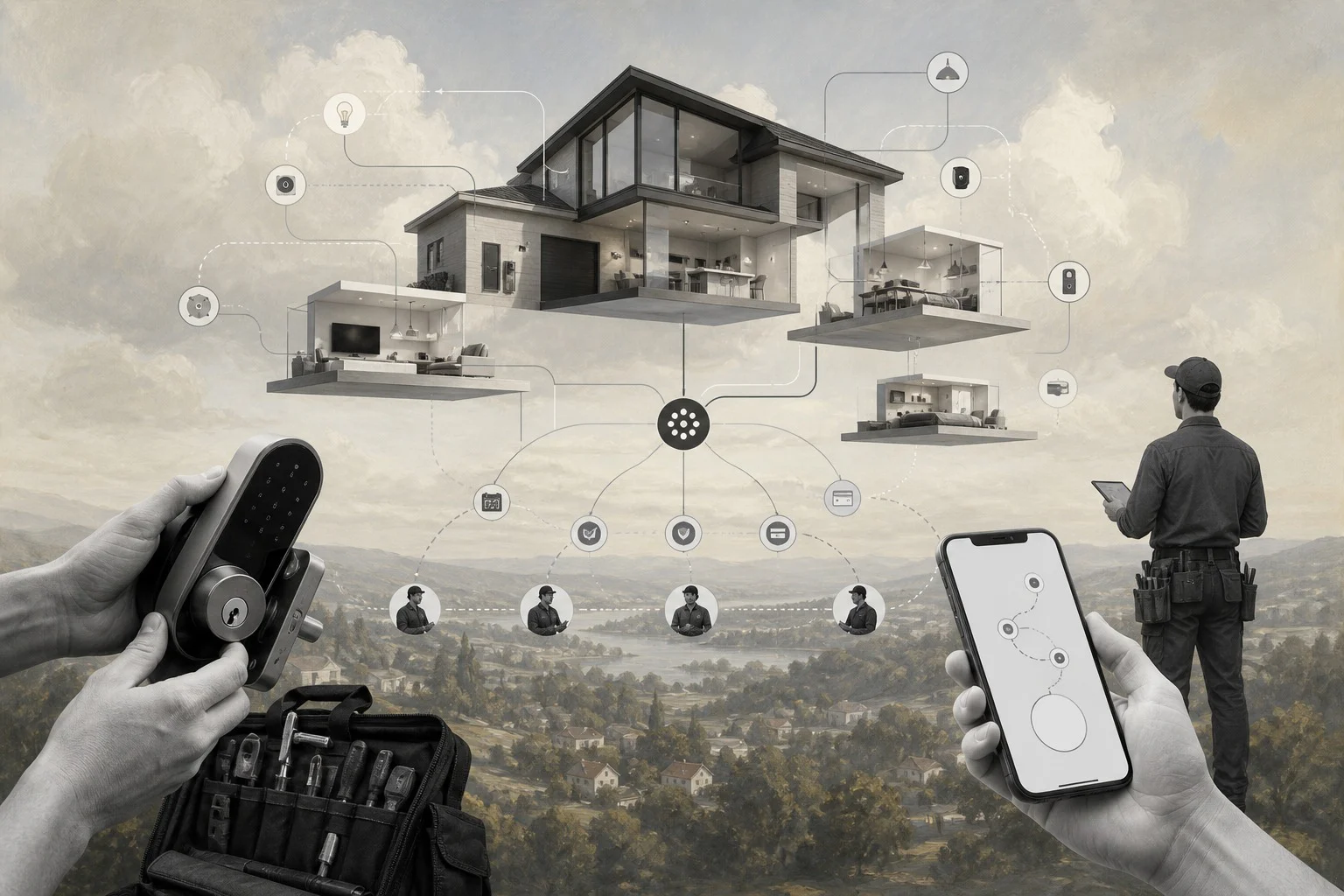
You can sell smart home installations before you hire technicians, lease space, or fill a garage with devices.
If you want to start a smart home business, the fastest path is not to become a full-scale electrical contractor on day one. Validate demand, package simple services, and build a trusted network of independent installers who can fulfill jobs under your brand.
Smart home demand is real because homeowners want convenience, security, energy savings, and simpler control over devices they already buy. The opportunity is making smart home upgrades easier to understand, schedule, and trust.
This guide shows how to launch with a small budget, avoid unnecessary early costs, recruit qualified providers, and use Workhint as the operating foundation for the business.
What’s in this article?
- Why a smart home business works as a platform-first startup
- What you need before taking the first customer
- How to price common smart home installation services
- How to get first customers without a large team
- How Workhint helps run the business from request to payout
- A 7-day launch plan, checklist, and FAQ
Why start a smart home business
A smart home business works because the customer problem is practical. People buy smart locks, cameras, thermostats, sensors, speakers, lighting kits, and hubs, then struggle with compatibility, setup, Wi-Fi coverage, account configuration, routines, and support.
Professional installation turns a frustrating weekend project into a booked service. Research firms continue to project strong growth for smart home installation services, and consumer cost guides show demand across both small device setups and larger home automation projects.
The mistake is assuming you need employees, a showroom, inventory, and a branded van before you can sell. Start with consultation, setup, basic automation, security cameras, smart locks, thermostat coordination, and post-install support.
Your first version should prove three things: customers will request the service, qualified installers will accept jobs, and your pricing leaves enough margin after provider payout, insurance, software, and marketing.
What you need to launch
Start with a branded platform, a simple offer, and a small provider network. Do not buy every device customers might ask for. Let customers bring approved devices at first, or build package recommendations that are purchased after the quote is accepted.
You also need to understand local licensing. Basic device setup may be simple, but wiring, alarms, and security installations can be regulated. Route regulated work only to properly licensed providers.
| Startup item | Lean launch approach | Estimated early budget |
|---|---|---|
| Business registration and insurance | Register locally and discuss general liability plus professional coverage | $300-$1,500 |
| Branded customer platform | Use Workhint for intake, quotes, scheduling, payments, and workflows | Platform-dependent |
| Provider recruitment | Recruit independent installers, electricians, low-voltage techs, and IT/networking pros | $0-$500 |
| Marketing | Local landing page, Google Business Profile, neighborhood groups, and partner outreach | $200-$1,500 |
| Demo kit | Buy only a few devices for sales calls and provider testing | $250-$1,000 |
| Inventory | Avoid upfront inventory until demand is proven | $0 |
The lean model keeps cash free. Once you know which packages sell, negotiate product partnerships, buy small inventory, or create preferred bundles.
How to price it
Pricing should be simple enough for customers to understand and flexible enough for homes that vary by size, Wi-Fi quality, device type, and complexity.
| Offer | Example customer price | Best use |
|---|---|---|
| Smart device setup visit | $149-$299 | One to three devices, account setup, app connection, and basic testing |
| Security camera setup | $250-$750 | Doorbell cameras, indoor cameras, outdoor cameras, and basic storage settings |
| Smart lock or thermostat coordination | $199-$499 | Provider-matched work where licensing or wiring rules may apply |
| Whole-home smart home plan | $750-$2,500+ | Room-by-room setup, routines, device compatibility, and customer training |
| Support plan | $29-$99 per month | Ongoing troubleshooting, device changes, seasonal updates, and priority scheduling |
Protect margin by quoting provider payout, travel, device complexity, support time, payment fees, and warranty follow-up before confirming the job.
How to get first customers
Your first customers will usually come from trust-based local channels: homeowners with devices, short-term rental owners, real estate agents, property managers, remodelers, and security-focused homeowners.
Use a tight offer: “We help homeowners set up smart locks, cameras, thermostats, lighting, and simple automations without device confusion.”
- Build a landing page with three simple packages.
- Create a Google Business Profile for the launch market.
- Ask real estate agents and property managers which device problems clients keep having.
- Partner with handymen, electricians, low-voltage technicians, and IT support providers.
- Post practical before-and-after examples in local groups without overclaiming.
- Offer paid smart home audits for customers who are unsure what to install.
How Workhint helps launch it
Workhint lets you launch the smart home business as a branded service platform instead of a loose collection of forms, calendars, payment links, and messages.
A customer can request a smart lock setup, camera installation, or whole-home consultation through your branded portal. The intake collects property type, device list, Wi-Fi concerns, photos, preferred times, and whether the work may involve wiring or regulated installation.
From there, Workhint can route the request to the right provider type, create a quote approval flow, schedule the job, collect payment, assign tasks, capture completion notes, and manage provider payout.
That matters because a no-staff launch depends on coordination. You are building the operating system that lets customers request work, qualified providers accept work, and the owner control quality, pricing, scheduling, approvals, payments, and follow-up.
First 7-day launch plan
- Day 1: Choose your launch market, first customer type, and three starter offers.
- Day 2: Set up the branded Workhint platform with intake, customer profiles, provider roles, and request categories.
- Day 3: Build quote, approval, scheduling, payment, and provider payout workflows.
- Day 4: Recruit five to ten independent providers with relevant smart home, electrical, low-voltage, or networking experience.
- Day 5: Contact local real estate agents, property managers, remodelers, senior service providers, and neighborhood groups.
- Day 6: Route the first conversations through the platform and test the quoting process before accepting complex jobs.
- Day 7: Review demand, provider readiness, pricing, and customer objections before buying inventory or expanding the offer.
Final launch checklist
- Pick a narrow launch market and customer segment.
- Register the business and check local licensing rules.
- Confirm insurance needs before sending providers into homes.
- Create three starter packages and one paid assessment offer.
- Configure customer intake, quote approval, scheduling, payment, and payout flows in Workhint.
- Recruit qualified independent installers and verify which work each provider can legally perform.
- Create a simple landing page and Google Business Profile.
- Run local outreach before buying inventory.
- Track every request, quote, job, issue, payment, and review from day one.
FAQ
How much does it cost to start a smart home business?
A lean launch can start with business setup, insurance, a branded platform, local marketing, and a small demo kit. Traditional models cost much more when they include vehicles, inventory, employees, and a showroom.
Do I need a license to install smart home devices?
It depends on the work and location. Plug-in device setup may be simple, but wiring, alarms, and security systems may require licensed providers. Check local rules before accepting those jobs.
Can I start a smart home business without employees?
Yes, if you build a network of qualified independent providers and keep coordination tight. Your job is to package the offer, win customers, route work, control quality, and manage payments.
What services should I offer first?
Start with simple, repeatable services: smart lock setup, camera setup, thermostat coordination, Wi-Fi and device troubleshooting, smart lighting setup, and paid smart home consultations.
Should I buy inventory before launching?
Usually no. Validate demand first. Let customers use approved devices, recommend bundles, or collect payment before ordering devices for specific jobs.
How profitable is a smart home installation business?
Profit depends on pricing, provider payout, job complexity, travel time, callbacks, and support. The best early model is to protect margin with clear packages, paid assessments, and recurring support plans.
How do I find smart home installers?
Look for independent electricians, low-voltage technicians, IT/networking technicians, AV installers, security installers, and skilled handymen. Verify licenses, insurance, references, and service boundaries.
Conclusion
You can start a smart home business without building a traditional installation company. Pick a narrow offer, validate demand, recruit qualified providers, and run the platform behind the business in Workhint.
The goal is not to look big on day one. The goal is to create a reliable way for customers to request smart home work, approve quotes, get matched with qualified providers, pay online, and receive support while you learn which services deserve more investment.
Leave a Reply