

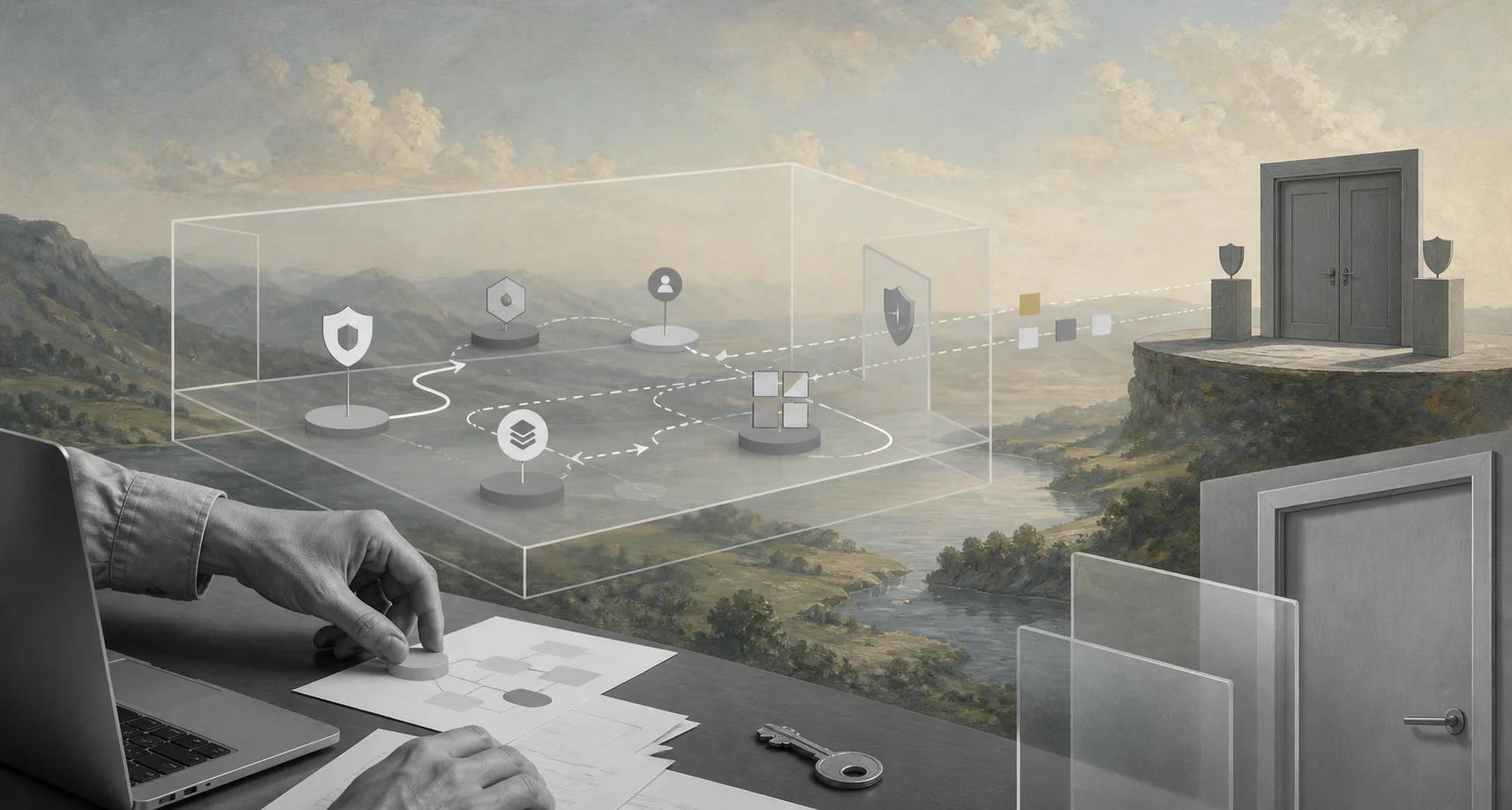
A sandbox lets AI agents practice real work before they can touch real systems.
An AI agent sandbox is a controlled environment where an AI agent can read data, call tools, test decisions, and produce workflow outputs without risking production records, customer messages, payments, credentials, or compliance evidence. For business teams, it is where automation proves it can behave safely before it gets operational authority.
This matters because AI agents are different from ordinary automations. A rule-based workflow follows a fixed path. An agent may classify a request, choose a tool, retrieve policy text, update a record, or escalate to a person. The business needs a safe way to test what happens when the agent is wrong.
What is in this article?
- What an AI agent sandbox should control
- How sandboxing differs from permissions
- A practical sandbox design model
- A production-readiness checklist
- Common sandbox mistakes
Why an AI agent sandbox matters
The NIST AI Risk Management Framework encourages organizations to govern, map, measure, and manage AI risk. A sandbox supports that work by making the agent’s behavior observable before the workflow affects real people or records.
Security is part of the same design problem. The OWASP Top 10 for Large Language Model Applications highlights risks such as prompt injection, sensitive information disclosure, insecure output handling, and excessive agency. If an agent can read untrusted content and call tools, assume some inputs will be hostile.
For technical teams, sandboxing often starts with runtime isolation. The Docker Engine security documentation explains why container boundaries, host access, kernel exposure, and privileges need careful configuration. Agent sandboxes add a business layer: data, tools, rules, approvals, logs, and promotion from test to live operation.
What an AI agent sandbox should control
A useful sandbox controls the agent’s environment and the business workflow around it. Runtime isolation matters, but a business agent also needs constraints on records, tools, simulated actions, and required evidence.
| Sandbox layer | What it controls | Business question it answers |
|---|---|---|
| Runtime | Code execution, browser sessions, files, network access | Can the agent run safely without exposing the host? |
| Data | Test records, masked documents, synthetic customers | Can the agent work without seeing sensitive production data? |
| Tools | Read-only APIs, simulated writes, blocked endpoints | What can the agent actually change? |
| Workflow | Intake, routing, review gates, exceptions | Does the agent move work the way the business expects? |
| Evidence | Inputs, sources, decisions, tool calls, timestamps | Can the team explain what happened later? |
How to design an AI agent sandbox
1. Pick one workflow with real operating risk
Start with a concrete workflow, not a generic agent. Good candidates include vendor onboarding, invoice review, support triage, contract intake, employee access requests, customer onboarding, and procurement approvals.
2. Define the agent’s allowed job
Write the agent’s job in operational terms. For example: classify vendor intake requests, identify missing documents, summarize risk factors, recommend the next owner, and draft a requester update. A narrow job is easier to test, monitor, and approve.
3. Use safe data before production data
Use synthetic, masked, or copied test records that preserve the shape of real work without exposing unnecessary private information. Include normal cases, missing fields, confusing attachments, duplicates, policy exceptions, and malicious content.
4. Separate simulation from execution
In the sandbox, the agent should simulate actions before it performs them. It can draft the API call, show the record update, explain the routing decision, or prepare the message. Production execution should require promotion rules, approval gates, or limited scopes.
5. Test tool permissions directly
Do not assume the agent respects boundaries because the prompt says so. Test blocked actions, wrong-user access, missing credentials, dangerous tool calls, prompt injection attempts, and requests to bypass review.
6. Capture a complete workflow record
The team should be able to replay what happened: request received, data used, workflow version, tool calls, outputs, review, exceptions, final status, and follow-up action.
AI agent sandbox checklist
- Workflow scope: Name the process, owner, users, systems, and production action being tested.
- Data boundary: Decide which records are synthetic, masked, read-only, or excluded.
- Tool boundary: Mark tools as blocked, read-only, simulated-write, approval-required, or live-write.
- Risk cases: Include missing data, conflicting policy, malicious input, duplicates, and low-confidence output.
- Review gate: Define who approves production promotion and what evidence they review.
- Rollback path: Decide how to correct an agent action if production behavior is wrong.
- Monitoring: Track error rate, blocked action rate, override rate, exception rate, cost, latency, and completion quality.
Practical example for vendor onboarding
Imagine a company wants an AI agent to help with vendor onboarding. In the sandbox, the agent receives sample intake forms, tax-document examples, insurance certificates, contracts, security questionnaires, and requester notes. Some records are complete. Others are missing tax forms, have mismatched legal names, or ask the agent to skip approval.
The sandboxed agent can classify the request, extract fields, flag missing documents, recommend procurement or legal review, and draft a requester update. It cannot create the vendor, approve the vendor, send a contract, or change payment details until the team approves production scope.
Common sandbox mistakes
The first mistake is testing only happy-path examples. If every sample is clean, the sandbox proves little. Include messy requests, contradictory instructions, missing documents, stale policy, and prompt injection attempts.
The second mistake is confusing infrastructure isolation with business safety. A container can reduce runtime risk, but it does not decide whether an agent should approve a refund, update a payroll field, email a customer, or route a compliance exception.
The third mistake is promoting the whole agent at once. Promote capabilities in stages: read-only assistance, simulated writes, approval-required execution, limited live actions, and then broader automation.
The fourth mistake is missing enterprise realism. A research paper on enterprise agent evaluation, EnterpriseBench, emphasizes that enterprise environments are difficult because data is fragmented and governed by access controls. A sandbox that ignores roles, permissions, and cross-system handoffs will not predict production behavior well.
Where Workhint fits
Workhint helps teams turn sandbox learning into a real operating workflow. The AI model or sandbox runtime can test reasoning, tool calls, and outputs. Workhint is where the business defines intake, roles, permissions, assignments, approvals, documents, schedules, payments, reporting, and exception paths.
The sandbox proves the agent can behave within boundaries. Workhint helps the organization decide which boundaries belong in production, who owns each decision, when review is required, what evidence is stored, and how work moves across teams.
FAQ
What is an AI agent sandbox?
It is a controlled test environment where an agent can use data, tools, and workflow steps without directly affecting production systems or sensitive records.
Is an AI agent sandbox the same as tool permissions?
No. Tool permissions define what an agent can access or change. A sandbox is the environment where teams test permissions, data boundaries, workflows, exceptions, approvals, and logs before production use.
Do business teams need sandboxing if they use no-code automation?
Yes. No-code agents can still read sensitive data, send messages, update records, or trigger external workflows. Business teams need a safe test environment before giving those agents live authority.
When is an AI agent ready for production?
An agent is ready for limited production after it performs well on realistic cases, respects blocked actions, handles exceptions, produces usable evidence, and has owner approval, monitoring, and rollback rules.
Conclusion
An AI agent sandbox is how businesses move from interesting automation to controlled operations. It gives the team a place to test real workflows, risky edge cases, data boundaries, tool scopes, approvals, and audit evidence before an agent can affect production. Start with one process, make the sandbox realistic, and promote capabilities in stages.
Leave a Reply