

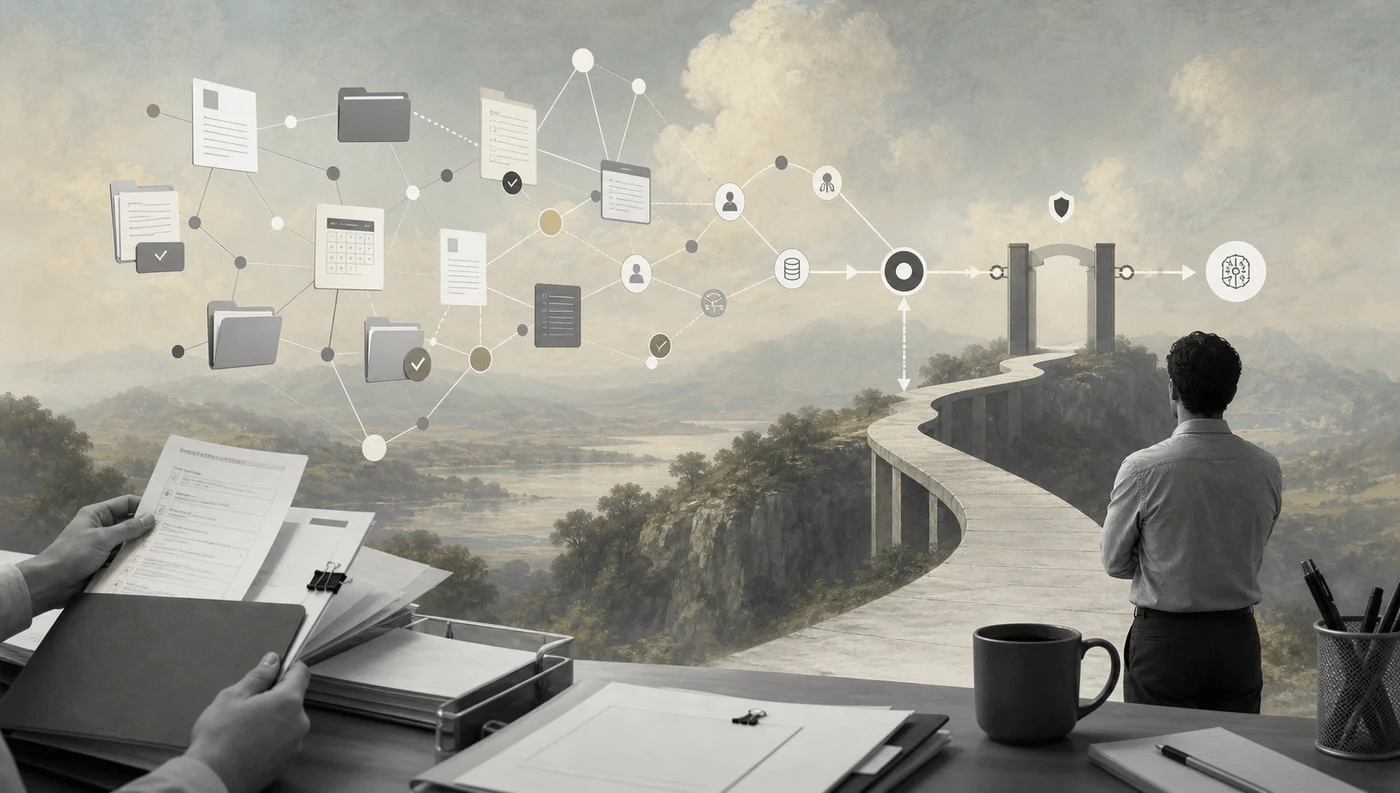
An AI knowledge graph turns scattered business context into a governed map that agents can use without guessing.
An AI knowledge graph workflow helps a company connect people, customers, vendors, documents, policies, tasks, and systems so AI can reason over relationships instead of isolated text chunks. That matters when the question is not “What does this document say?” but “Which customer is affected, who owns the next step, and what should happen now?”
Traditional retrieval systems find similar documents. Knowledge graphs add entities, relationships, provenance, permissions, and operational meaning. The W3C RDF model describes graph data as triples made of a subject, predicate, and object. In business terms, that can look like “Vendor A submitted Invoice B” or “Manager D approves Project C.”
What’s in this article?
- When an AI knowledge graph is worth building.
- The core architecture for turning operational data into graph context.
- A step-by-step workflow business teams can implement.
- Common failure points around accuracy, permissions, and stale context.
- Where Workhint fits when the graph has to drive real work.
Why AI Knowledge Graph Workflows Matter
AI systems often fail in business settings because the model sees content but not context. A support note may mention a customer, but the model also needs account tier, open incidents, contract terms, escalation owners, and product dependencies. A procurement request may mention a vendor, but the workflow needs approval limits, risk status, payment terms, and budget owner.
A knowledge graph gives AI a structured context layer. AWS describes knowledge graphs for agentic AI as a semantic layer that helps agents understand contextual meaning and makes data understandable to humans and machines. Microsoft GraphRAG takes a related approach by extracting a graph from raw text, organizing communities, summarizing them, and using those structures for retrieval through its GraphRAG process.
The business value is better routing, stronger evidence, fewer handoffs, safer AI decisions, and cleaner audit trails when automation affects customers, workers, money, or compliance.
When to Use an AI Knowledge Graph Workflow
A graph workflow is useful when relationships matter as much as documents. It is usually overkill for a simple FAQ bot, but valuable when AI must connect systems, infer ownership, enforce rules, and explain an action.
| Use case | Why a graph helps | Human review point |
|---|---|---|
| Customer escalation | Connects tickets, accounts, contracts, SLAs, owners, and product areas. | Approve priority change or customer-facing response. |
| Procurement approval | Links vendor risk, purchase request, budget owner, payment terms, and policy. | Review high-risk vendor or exception spend. |
| Workforce operations | Connects workers, assignments, credentials, schedules, documents, and payments. | Approve access, exceptions, or compliance gaps. |
| Internal knowledge agent | Maps policies, people, projects, systems, and decision history. | Validate sensitive or low-confidence recommendations. |
AI Knowledge Graph Workflow Steps
Start with a narrow operating problem. Do not begin by modeling the whole company. Choose one workflow where relationships already drive decisions, such as vendor onboarding, customer escalation, claim review, contractor assignment, or product feedback triage.
1. Define the operational question
Write the question the AI system must answer in business language. For example: “When a contractor submits a compliance document, should it be accepted, reviewed, or blocked?” This forces the graph to represent relationships needed for action, not just search.
2. Map source systems and permissions
List the systems that hold relevant truth: CRM, HRIS, ERP, ticketing, document storage, spreadsheets, payments, contracts, calendars, and internal docs. For each source, document owner, refresh frequency, access rules, and fields that should never be exposed to the model.
3. Extract entities and relationships
Use deterministic connectors where data is structured. Use AI extraction where data is messy, such as contracts, emails, PDFs, or comments. The graph should store entities such as customer, vendor, worker, document, policy, project, approval, payment, and system. It should also store relationships such as owns, approves, submitted, depends on, assigned to, and paid by.
4. Validate before the graph becomes operational
AI-generated relationships need confidence scores, source links, and review queues. A hallucinated edge can route work to the wrong owner or expose the wrong record. Use rules for exact identifiers, human review for uncertain matches, and sampling for recurring categories. The NIST AI RMF Core frames AI risk work across govern, map, measure, and manage activities.
5. Connect retrieval and action separately
Retrieval asks, “What context should the AI see?” Action asks, “What is the system allowed to do?” Keep those layers separate. The graph can retrieve relevant records, policies, and prior decisions. The workflow engine decides whether AI can draft, recommend, route, assign, notify, approve, or only escalate.
6. Monitor drift and stale relationships
Graphs age quickly. People change roles, vendors expire, policies update, customers churn, and systems move. Build refresh jobs, stale-edge alerts, ownership checks, and audit logs.
Practical Business Example
Imagine a staffing company that receives client requests for on-site workers. A plain AI assistant can summarize the request. A knowledge graph workflow can connect the client, location, shift requirements, worker credentials, availability, pay rules, prior incidents, and contract terms. AI can recommend eligible workers, while the workflow checks compliance, routes exceptions, records the decision, and notifies the right people.
This is where GraphRAG and operational workflow meet: context becomes controlled action.
Common Mistakes to Avoid
- Modeling too much too early: Start with one decision-heavy workflow before building a company-wide ontology.
- Ignoring permissions: The graph should not give AI broader access than the human user or workflow role would have.
- Treating AI extraction as truth: Store source evidence, confidence, and review status for AI-created entities and relationships.
- Skipping operational ownership: Every graph domain needs a business owner who can resolve ambiguous entities and stale rules.
- Blending retrieval with authority: Finding relevant context does not mean the AI is allowed to take the next action.
Where Workhint Fits
Workhint fits after the graph has meaning and the business needs to turn that meaning into work. A knowledge graph can say which records, people, rules, and relationships matter. Workhint helps organizations build the configurable AI-powered work system around it: intake forms, roles, permissions, assignments, approvals, documents, schedules, payments, reporting, automation, and audit trails.
For example, if an AI agent flags a vendor onboarding issue, Workhint can route the exception to procurement, request missing documents, assign review tasks, enforce approval limits, notify finance, and keep the decision history attached to the vendor record. The model is not the operating system. The graph is not the operating system. The workflow around them is what makes the automation usable.
FAQ
What is an AI knowledge graph workflow?
It is a workflow that builds, validates, retrieves from, and acts on a knowledge graph so AI systems can use business relationships, not just raw text, when supporting decisions or automation.
Is a knowledge graph the same as a vector database?
No. A vector database retrieves semantically similar content. A knowledge graph represents entities and relationships. Many business systems use both: vectors for fuzzy retrieval and graphs for structured context, ownership, dependencies, and constraints.
Do small businesses need GraphRAG?
Not always. A smaller team should start with workflow mapping, clean source data, and simple retrieval. GraphRAG becomes more valuable when questions require multi-step reasoning across people, policies, systems, and history.
What should humans review?
Humans should review low-confidence entity matches, new relationship types, permission-sensitive results, compliance exceptions, money movement, customer-facing actions, and any workflow step where a wrong answer could create material risk.
Conclusion
An AI knowledge graph workflow is not a novelty architecture. It is a practical way to make AI automation more contextual, governed, and auditable. The best starting point is one real workflow where relationships drive decisions. Map the entities, connect the sources, validate the graph, separate retrieval from authority, and keep humans in the loop where risk is real.
Done well, the graph gives AI better context. The workflow turns that context into reliable business execution.
Leave a Reply