

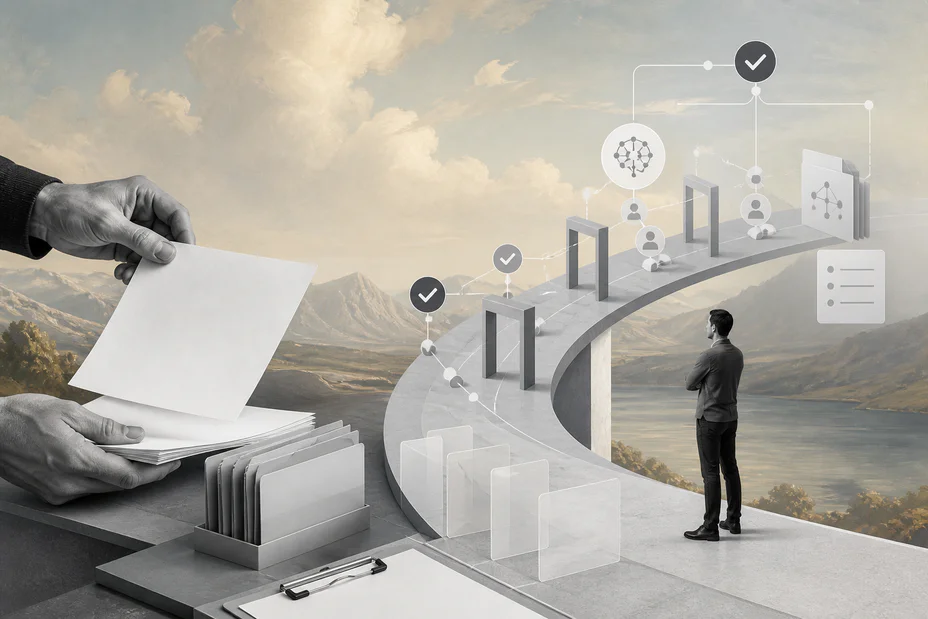
AI workflow documentation turns automation from a fragile experiment into an operating system teams can trust, inspect, and improve.
AI workflow documentation is the record of how an AI-enabled business process works: what starts it, what data it uses, what the model is allowed to do, where humans review decisions, which systems are updated, and how the team measures outcomes. Without that documentation, useful automation becomes hard to debug, govern, hand off, or scale.
This matters because AI workflows behave differently from ordinary rules-based automations. They may interpret unstructured emails, extract fields from documents, classify requests, draft responses, call tools, or recommend actions. OpenAI’s guidance on function calling frames tool use as a way for models to connect to external systems through defined schemas. That makes written boundaries around tools, inputs, approvals, retries, and audit evidence essential.
What’s in this article?
- What AI workflow documentation includes
- How to document model tasks, data, tools, approvals, and exceptions
- A practical documentation table business teams can adapt
- Common gaps that make AI automation risky in production
- Where Workhint fits in live workflows
Why AI workflow documentation matters
AI pilots often work when one person understands the prompt, source data, tool connection, and approval path. The problems start when the workflow becomes operational. Support, finance, procurement, and operations teams all need to know when AI can act, when review is required, what evidence supports the output, and whether the workflow is saving time or creating hidden rework.
Documentation gives the business a shared control surface. NIST’s AI Risk Management Framework emphasizes managing AI risk across governance, mapping, measurement, and management. For workflow automation, that translates into knowing the context of use, expected behavior, controls, monitoring plan, and owner responsible for improvement.
AI workflow documentation checklist
A useful AI workflow document should be short enough to maintain and detailed enough for operations. Treat it as an operating record, not a technical essay. Start with the workflow purpose, then capture components that affect risk, reliability, and accountability.
| Section | What to document | Why it matters |
|---|---|---|
| Trigger | The event that starts the workflow, such as a form, email, ticket, file upload, or schedule | Prevents unclear entry points and duplicate processing |
| Inputs | Required fields, source systems, documents, permissions, and freshness rules | Reduces bad outputs caused by missing or stale context |
| AI task | Classification, extraction, summarization, routing, recommendation, drafting, or tool selection | Clarifies what the model does and what it does not do |
| Tool boundaries | Allowed tools, blocked actions, rate limits, credentials, and required schemas | Keeps AI actions constrained to approved business operations |
| Human review | Confidence thresholds, approval roles, escalation paths, and overrides | Keeps judgment-heavy or high-risk work accountable |
| Outputs | Records created, systems updated, notifications sent, and evidence stored | Makes downstream effects visible and auditable |
| Metrics | Cycle time, automation rate, exception rate, accuracy, rework, cost, and satisfaction | Shows whether the workflow is improving operations |
How to document an AI workflow
Start with the business process, not the model. Write the current manual workflow in five to eight steps, then mark which steps are deterministic, which require AI interpretation, and which require human judgment. This prevents the team from forcing AI into work that a form or rule could handle more reliably.
Next, define the AI task in operational terms. Avoid vague descriptions such as “AI reviews the request.” A stronger version is: “The model classifies the request type, extracts the customer name, summarizes the issue, recommends a routing queue, and returns a confidence score.” If the workflow uses structured outputs, document the schema, required fields, validation rules, and fallback behavior.
Then document the tool boundary. List every system the workflow can read from or write to. Include whether the AI can draft a recommendation, create a record, update a status, send a notification, or trigger a payment, contract, assignment, or external message. The more irreversible the action, the stronger the approval and audit controls should be.
Finally, document the exception model. Microsoft Agent Framework documentation on human-in-the-loop workflows describes workflow pauses that wait for an external response before execution continues. Business teams should use the same idea: low-confidence extraction, missing documents, unusual dollar amounts, policy conflicts, sensitive data, or customer-impacting actions should pause for the right reviewer.
Example AI workflow documentation model
Consider a procurement request workflow. The AI reads an intake form and vendor quote, classifies the purchase type, extracts supplier details, checks whether the vendor is approved, drafts a risk summary, and recommends the next approval route. The workflow then routes the request to procurement, finance, legal, or security depending on risk and spend.
The documentation should explain the exact decision points. Purchases under a defined threshold may route to a department approver, new vendors may require procurement review, software with customer data access may require security review, and contract exceptions may require legal review. The AI can summarize and recommend, but it should not approve the vendor, sign a contract, or release payment without the documented authority path.
The same pattern works for support triage, onboarding, invoice processing, claims review, recruiting, grant intake, field service scheduling, and customer implementation. The workflow changes, but the documentation model stays consistent: trigger, data, model task, tools, approvals, outputs, records, metrics, and owner.
Common AI workflow documentation mistakes
- Documenting the prompt but not the process. Prompts matter, but the business also needs triggers, owners, approvals, data rules, and system effects.
- Skipping negative permissions. Teams should document what the AI cannot do, especially for external messages, financial actions, access changes, and compliance decisions.
- Leaving exceptions informal. If exceptions depend on a Slack message or personal judgment, the workflow will fail under volume.
- Not recording source evidence. AI summaries should preserve links to the source document, ticket, customer record, or policy used.
- Forgetting change control. Model changes, prompt updates, schema edits, and tool permission changes should be versioned because they can alter workflow behavior.
Where Workhint fits
Workhint fits when AI workflow documentation needs to become a live operating system. A team can describe the workflow, roles, permissions, approvals, assignments, documents, schedules, payments, reporting, and automation rules, then use Workhint to configure the process instead of leaving it in a static file.
That is useful for teams moving from AI pilots into production operations. The documentation defines how the AI should support the work. Workhint helps route requests, assign the right people, preserve records, enforce approvals, track exceptions, connect documents, and report whether the workflow is improving. The model provides interpretation; the work system keeps the process accountable.
FAQ
What is AI workflow documentation?
AI workflow documentation is the written operating record for an AI-enabled process. It explains the trigger, inputs, AI task, tools, approvals, outputs, exception handling, metrics, and ownership model behind the workflow.
Who should own AI workflow documentation?
The business process owner should own the documentation, with input from operations, IT, security, legal, finance, or other teams affected by the workflow. Technical teams can document implementation details, but the operating model needs a business owner.
How often should AI workflow documentation be updated?
Update it whenever the workflow changes: new prompts, models, tools, schemas, permissions, approval rules, source systems, or risk thresholds. For active production workflows, review documentation at least monthly until the process stabilizes.
Does every AI workflow need human review?
No. Low-risk, reversible tasks may be automated after testing. High-risk, ambiguous, regulated, financial, legal, customer-impacting, or low-confidence tasks should include human review or approval before downstream action.
Conclusion
AI workflow documentation is not paperwork for its own sake. It is how teams turn automation into a reliable business capability. The best documentation explains what the workflow does, what the AI is allowed to decide, when humans step in, which records are created, and how the team will know whether the system is working. Once that is clear, the workflow becomes easier to govern, scale, audit, and improve.
Leave a Reply